In the "SpellForce 2 - Master of War" card game, the armys of 2 players are facing eachother. Supported by powerful magic and brave heroes the target is to expel the enemy from the battlefield and carry off the victory. But the fate of the shaft can change quickly, and a clever strategist must always be prepared for the unexpected.
1.0 The Game
1.1 The first Steps
1.2 Gamemodes and Option
1.3 Singleplayer Game Modes & Story Campaign
1.4 Story Campaign & Dialog Control
1.5 Local network game via (W)Lan vs another player
1.6 Online Multiplayer
1.7 Options - Card previews, Credits
1.8 Options
1.9 Card Preview
1.10 Deck Management
1.11 Medals and Ranks
2.0 How to play SpellForce 2 - Master of War
2.1 How to start/prepare the game
2.2 How do the cards work?
2.3 How is the formation of the army?
2.4 How to play?
2.5 Which actions are there?
2.6 How does the battle work?
2.7 How do the Spell-Cards work?
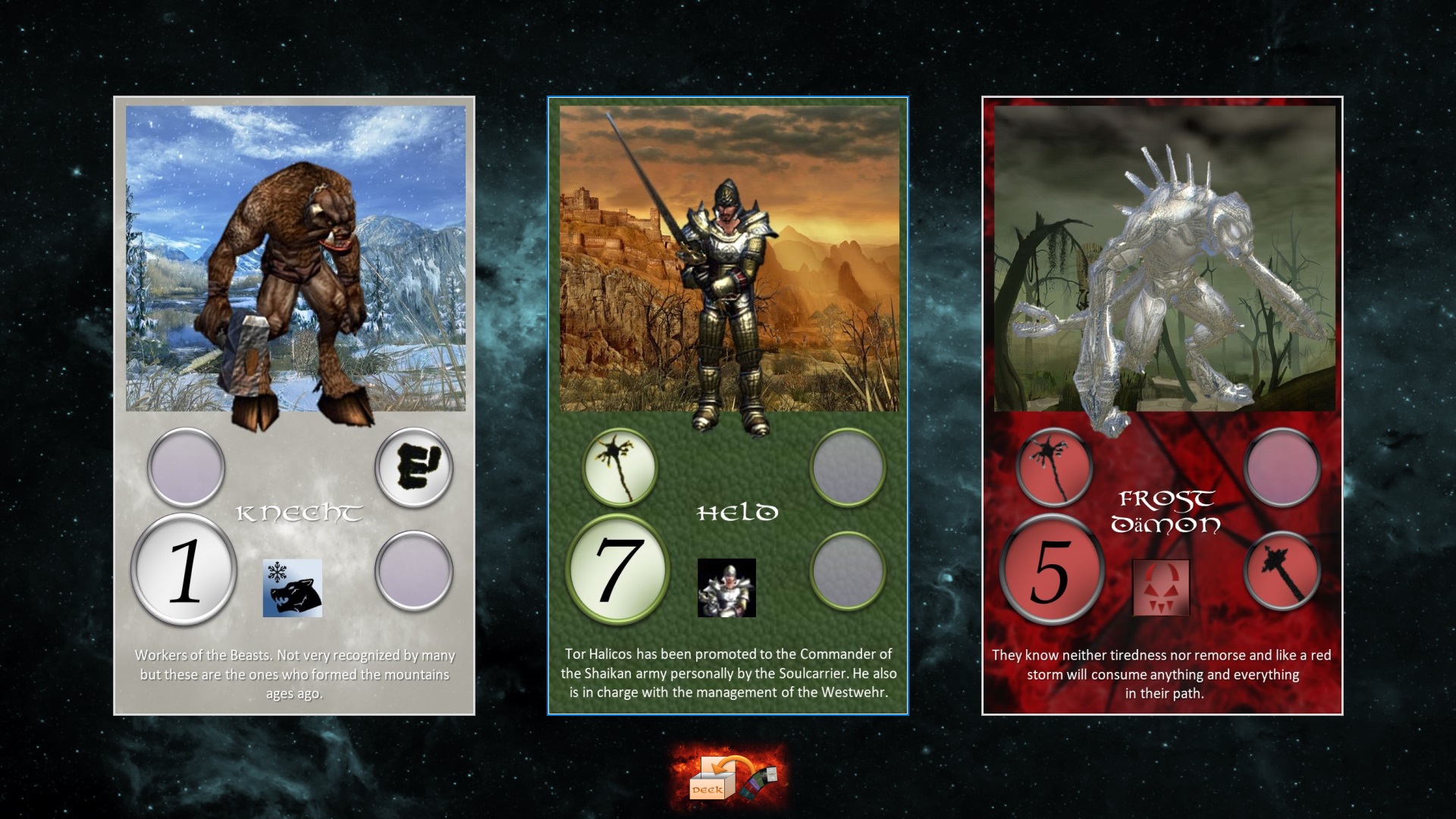
2.8 What are Hero cards and how do they work?
2.9 When does a player win?
Based on the origial cardgame out of the SpellForce 2 Collectors-Edition of 2006, SpellForce 2 - Master of War (SF2-MoW) is a turn based strategy cardgame based on the setting of SpellForce 2 Shadow Wars and designed by Jan Wagner, but reinvisioned and expanded with more content and features then its original paper origin.
Since the beginning of time the forces of Eo are fighting each other bitterly to decide who is the ruling power in Eo. Only a true Master of War has what it needs to lead his army of choice to the victory. Do you have what it needs? In SpellForce 2 – Master of War (Based on the SF2:SW Card game of 2006) you can show your tactical power to others. Challenge your opponents in matches witch more than 100 different Cards and more than 10 powerful Magic cards on PC or Android. Play against the AI, other players in the same System/Device or over (W)Lan and Online! Prove yourself in growing the ranks and become the true Master of War!
You will be able to gather an army of all 7 factions of Eo. The "Realm", the "Clan", the "Pact", the "Shaikan", the "Undead", the "Beasts" and the "Demons".
In the "SpellForce 2 - Master of War" card game, the armys of 2 players are facing eachother. Supported by powerful magic and brave heroes the target is to expel the enemy from the battlefield and carry off the victory. But the fate of the shaft can change quickly, and a clever strategist must always be prepared for the unexpected.
What is the aim of the game?
The objective of the game is to defeat the opposing armies or make them incapable of acting.
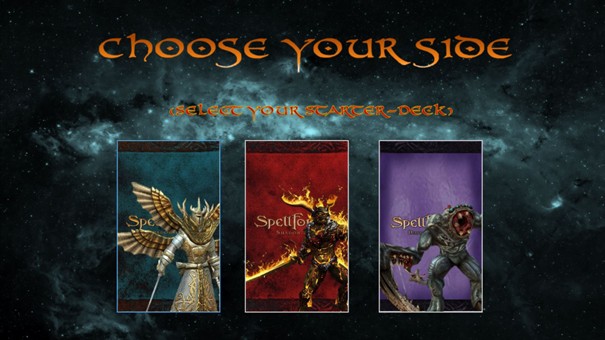
On the 1st start of the game, you will be introduced with a cinematic video that leads to a starter deck selection screen. Here you have the option choose one 3 starter decks. The Realm, The Clan and the Pact.
Depending on your choice you will have access to a different set of cards in your deck.
Each deck has an own balancing in strength, defense or tactics. You can expand or rework you deck as much as you want later on with your won cards to create the deck you desire inside the rules.
Remember you can only choose a starter deck one time. So make your choice count, that it fits your preferred playstyle for the beginning.
You can see the faction decks [here].
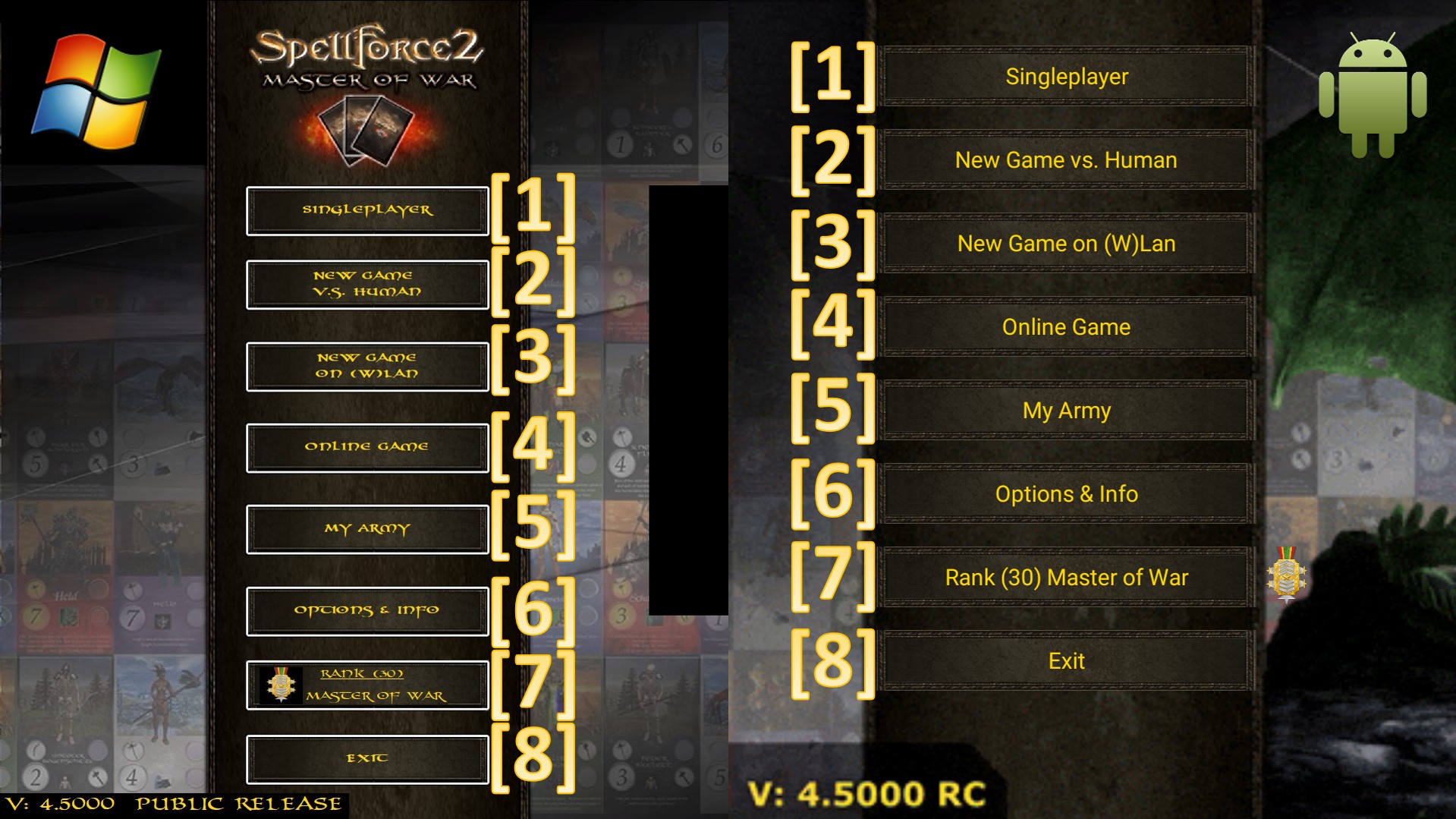
In the main menu of SpellForce 2 - Master of War you can choose between the following game modes and Options.
[1] – Enters the menu of the Singleplayer gamemodes
[2] - Starts a local game between 2 human players on the same device where each player geta one of the 7 factions decks randomly asigned to play with.
[3] - Enters the local (W)-Lan menue. Where its possible to host local and offline games versus other players on the same network with Windows or Android systems. Here the RPG system is active and allows you to win cards for your collection and gain EXP to increase your rank.
[4] - Enters the Online-Login-Menu. Here you can login to the Online-Server of SpellForce 2 – Master of War and play versus other players online. Here the RPG system is active and allows you to win cards for your collection and gain EXP to increase your rank.
[5] – Enters the Deck-Management. That allows you to manage and setup your card-deck.
[6] - Enters the Info & Settings of the game. That allows you to get a preview of all cards in the game, enter the games settings, and watch the credits of the game.
[7] - Enters the medal and rank screen.
[8] - Closes the game.
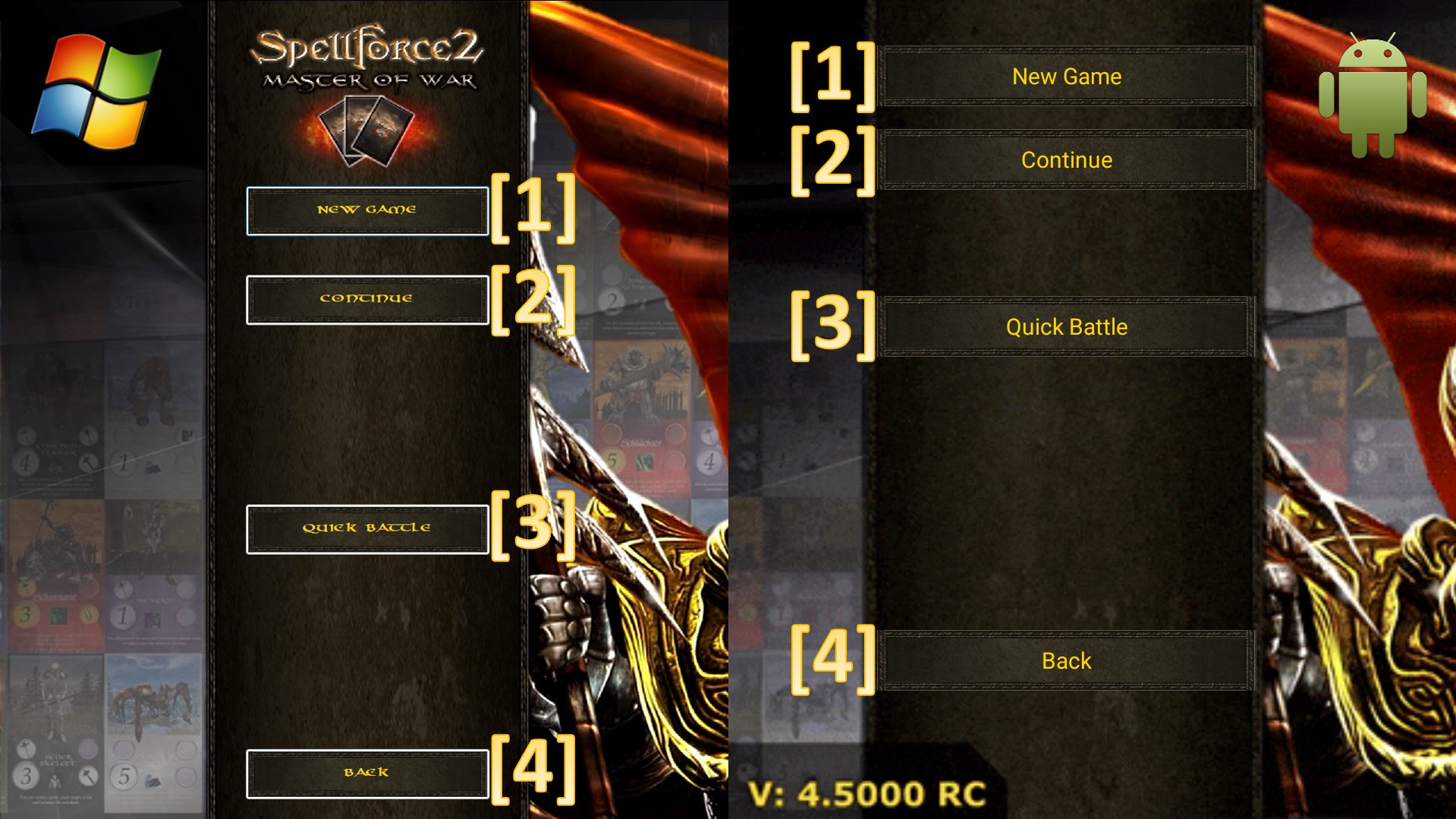
In the singleplayer menu of SpellForce 2 - Master of War you can choose between the following options.
[1] – Starts a new Story Campaign Playtrough, with use of the current card-deck and EXP
[2] – Continues the Story Campaign from its last savepoint
[3] - Starts a local game vs the AI with your custom deck vs one of the 7 faction decks. Here the RPG system is active and allows you to win cards for your collection and gain EXP to increase your rank.
[4] – Return back to the Main menu
In the Story campaign you will experience the story of SpellForce 2 – Master of War with over 10h of gameplay and over 70 custom scripted battles and enemies to beat.
On the first startup of the Story-Campaign, the game will load the full assets needed to display the story (Windows only). In the Android version, this will be done on the startup of the game.
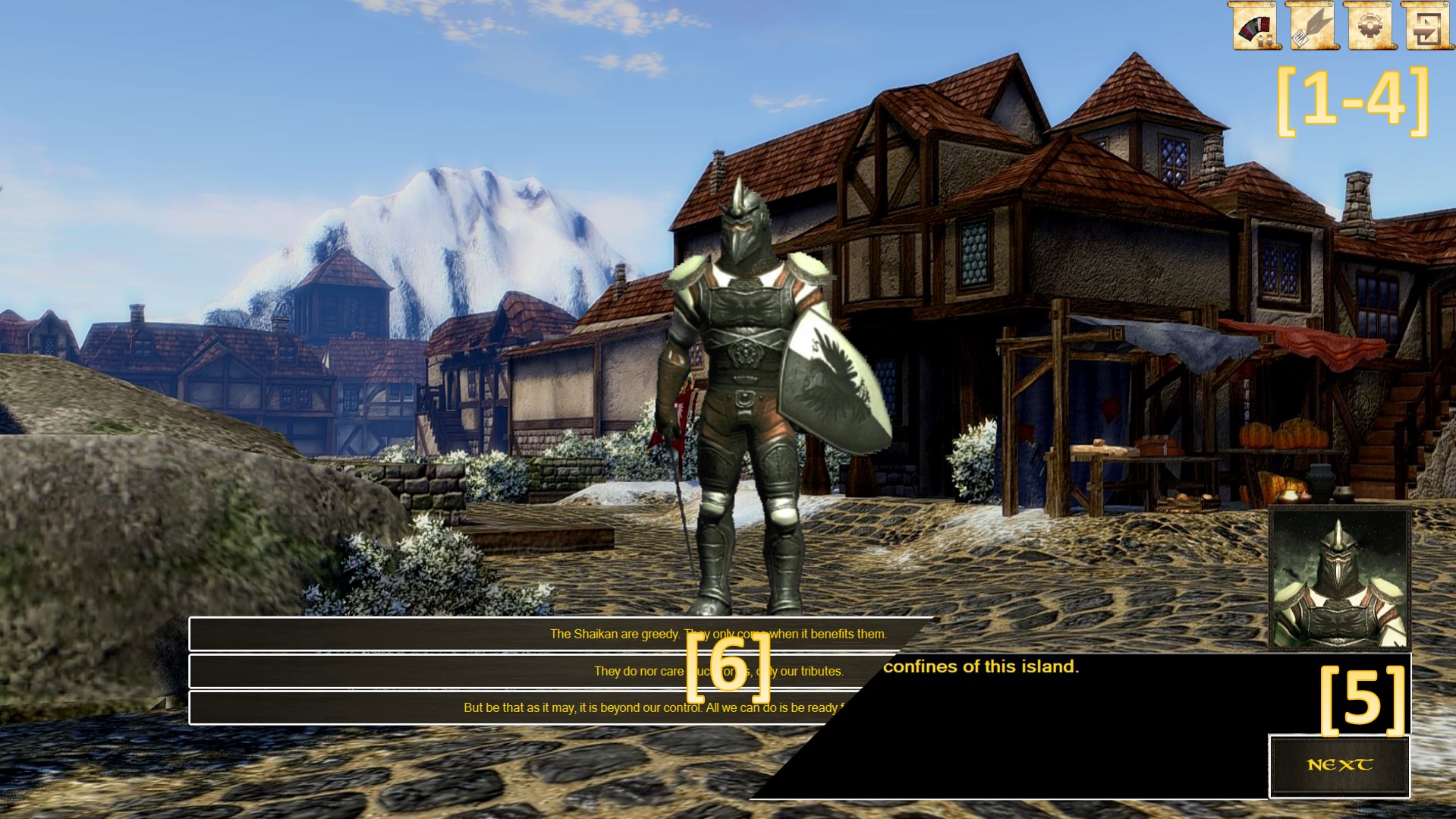
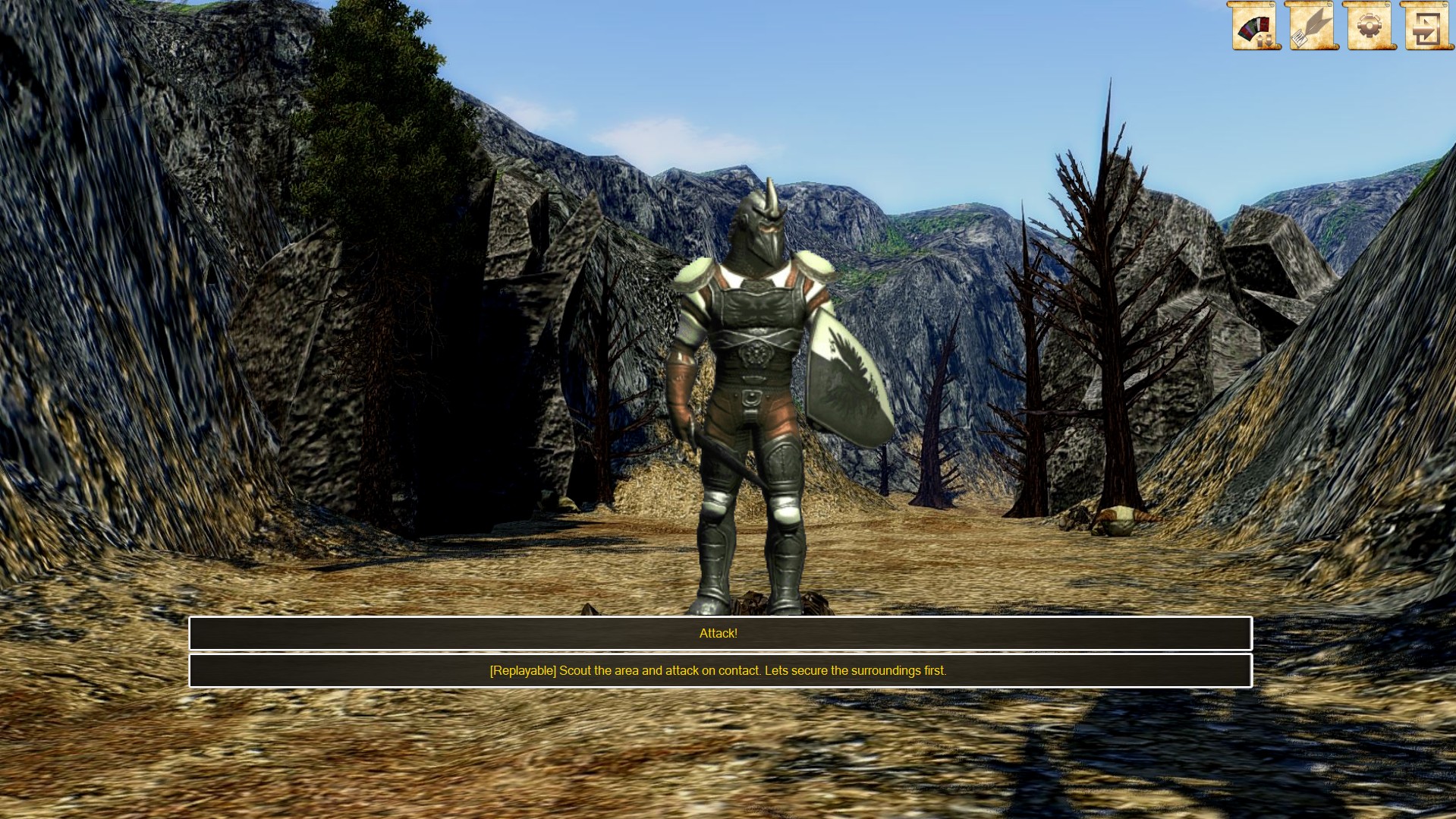
The Dialogcontrol of the Story-Campaign
[1] – Deck-Management – Opens the Card-Deck Management menu
[2] – Save Game – Saves the game at the current position and progress
[3] – Options – Opens the Options Menu for changing settings
[4] – Save & Exit – Saves the game at the current position and leaves the Story-Campaign
[5] – Next Dialog – Triggers the next dialog or calls the dialog-options
[6] – Dialog Options –The dialog options to continue the Story and Events by the player
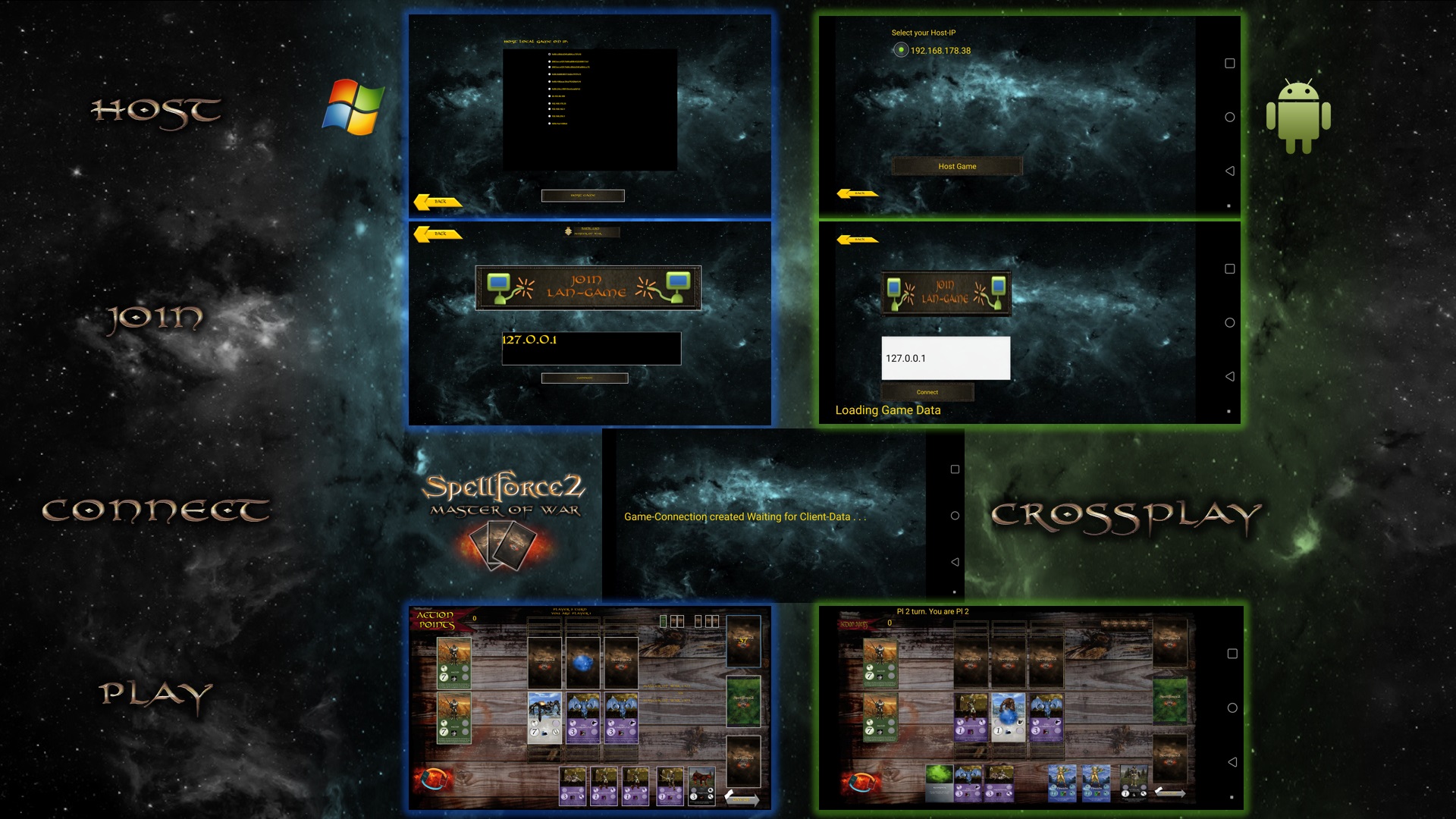
Wanna play against your friends over (W)LAN? No Problem! You are be able to play against other player over LAN or VPN (Radmin VPN, Hamachi).
With the comfort Lan-Host-Manager you just need to select the IP-Adress (IPv4 recommended) on that you want to host the Game. Crossplay of Windows and Android is fully supported.
In this Mode the RPG System will be activated your victorys will level you up.
Play against every other System in your network even without an online-connection.
Host
If you want to host, you will be leaded to a menu where you can select one of the local IP’s of your system to host the game on. Depending on the number of network adapters of the hosting system the list may be longer or shorter. Select the IP that is accessable to your whole local network (IPv4 recommended, IPv6 supported).
Join
If you want to join a localy hosted network game, just select that option and entert he Ip the game is hosted on you want to connect to.
Connect
After you hosted a game or you did choose to connect to one, wait for needed data to be received and the game will start automaticly as soon the needed data has been received.
Play
Once you are fully connected and in sync, the hosting player will start the game with his turn.
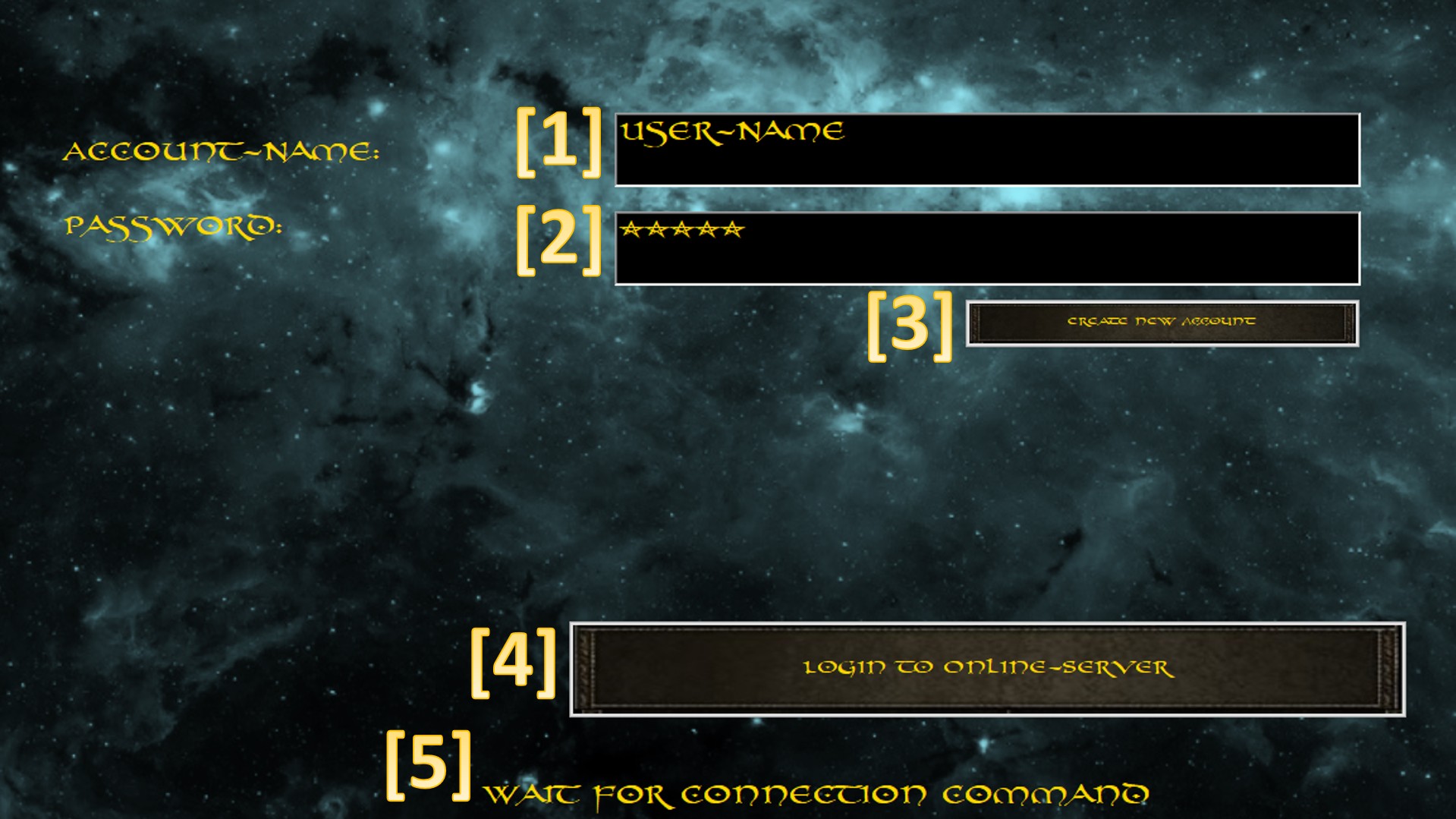
Account creation and Login
To play online you need to register an online account on the Online-Server. When taht account is activated you are able to login to the Online-Server.
[1] - Your Account User name
[2] - Your Password
[3] - Opens the website for account creation
[4] - Logins to the Online-Server with the input user data
[5] - Shows the current online server communication
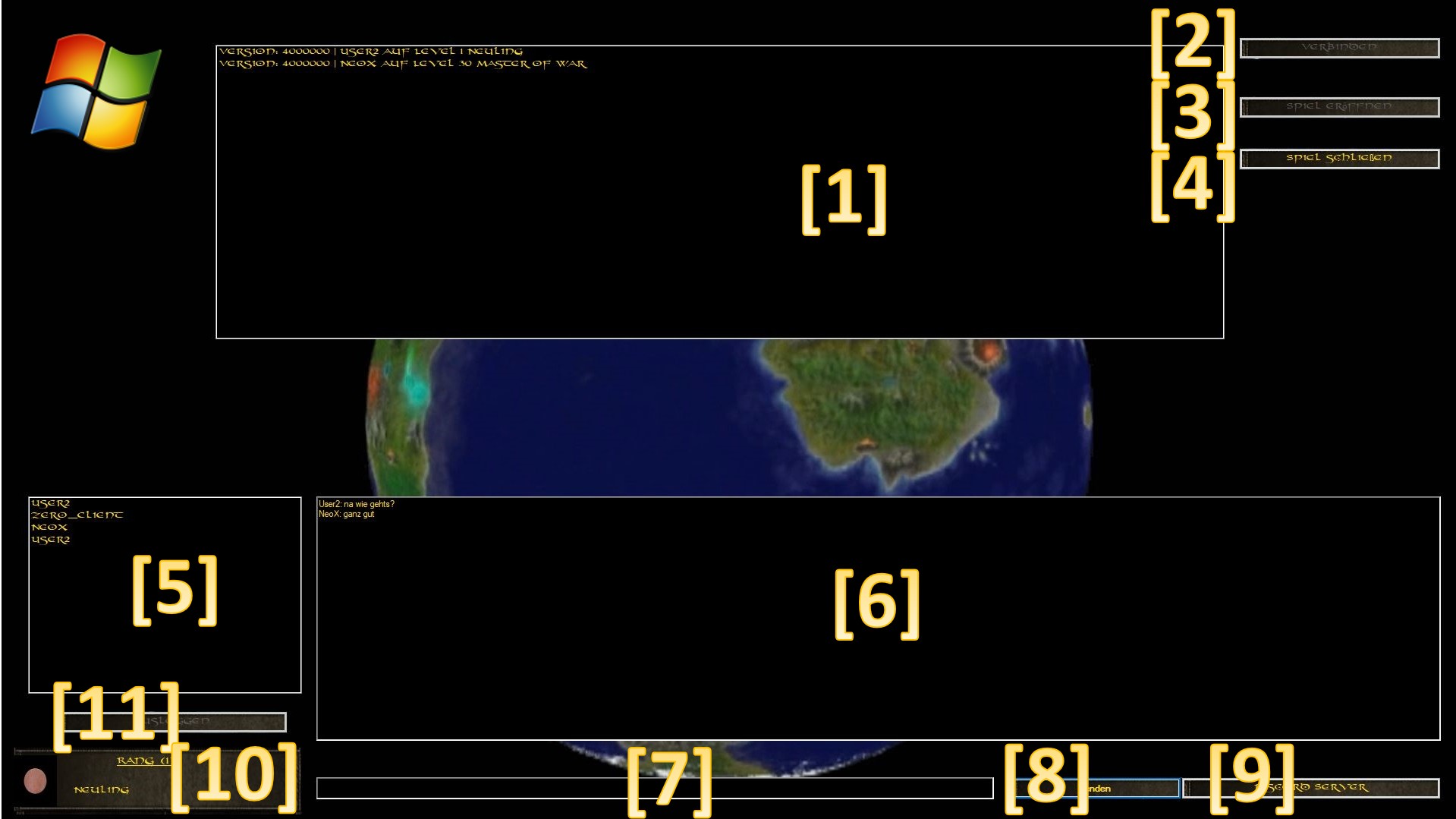
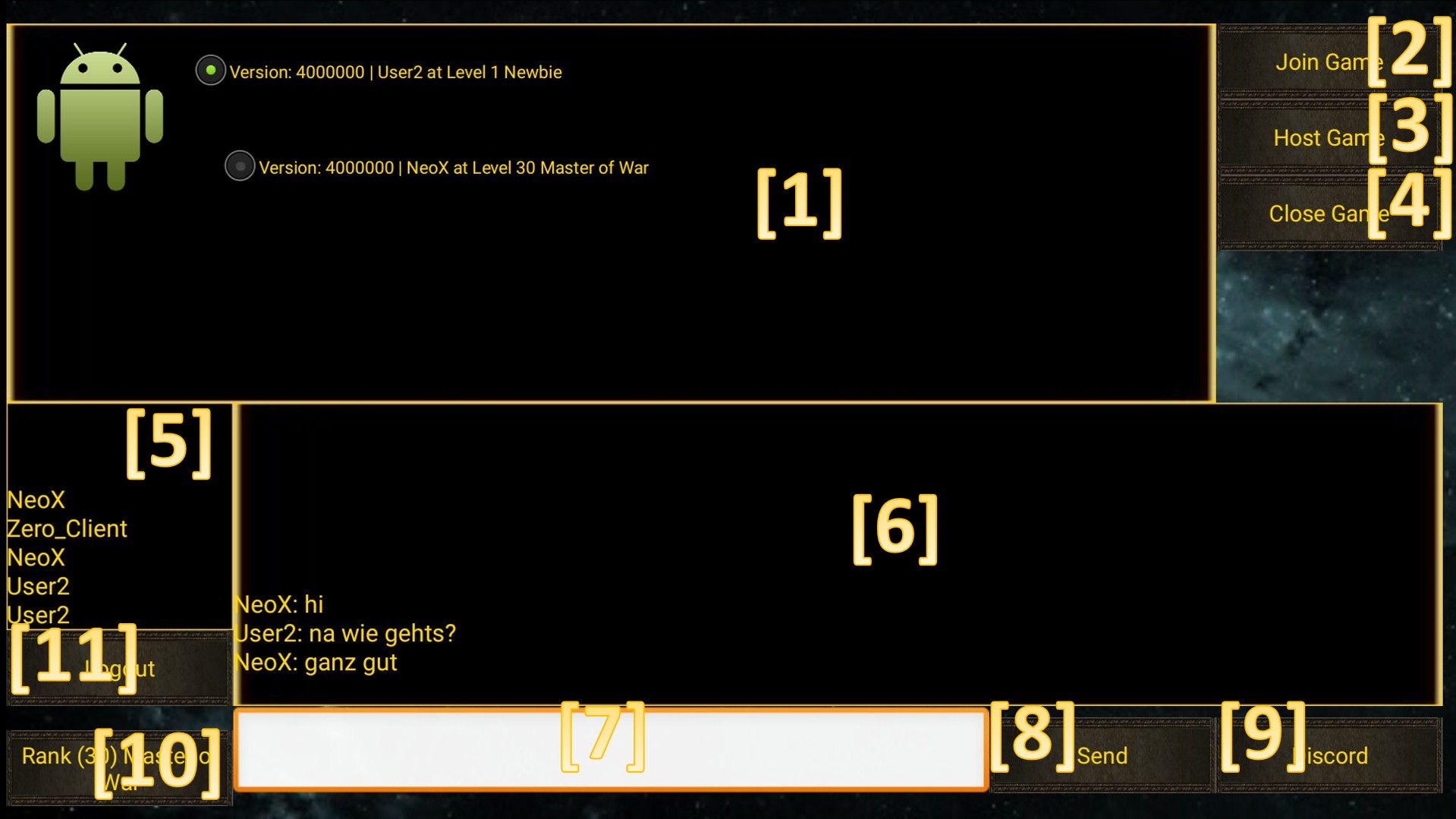
Online Multiplayer Lobby
[1] - Open game list. This lists all current open game requests you can connect to any play with the hosting player.
[2] - Joint he selected open game out of the game list.
[3] - Opens a game request that others are able to connect to. When you host a game you can not join others or logout until you close that game request.
[4] - Closes your active game request and allows you to logout again.
[5] - List of currently players online
[6] - Online chat
[7] - Messagebox to send to the online chat
[8] - Sends the message into the online chat
[9] - Opens the official SpellForce Discord Server for online voice communication
[10] - Enters the medal and rank screen.
[11] - Logs out of the online lobby and terminates all connections
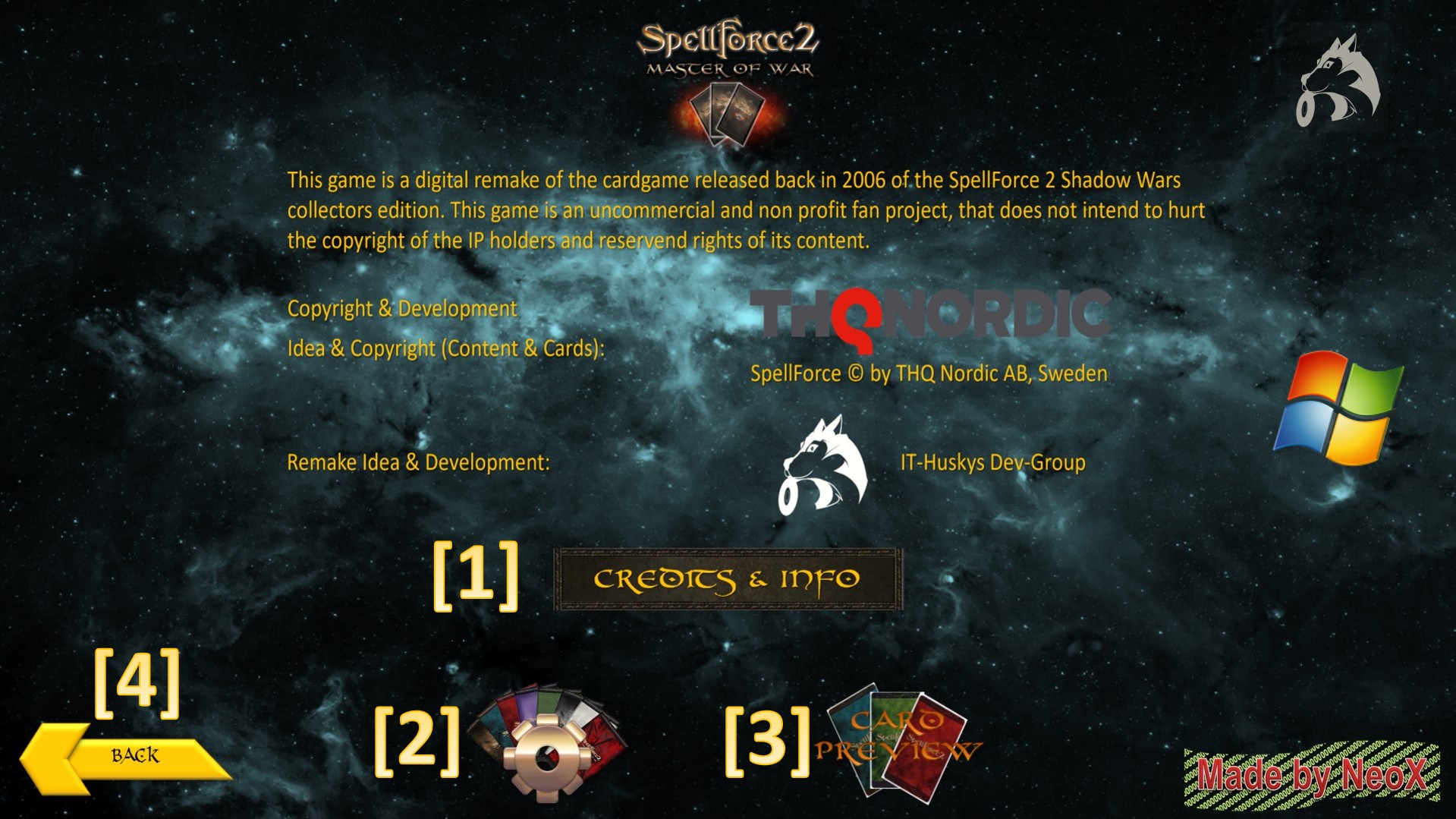
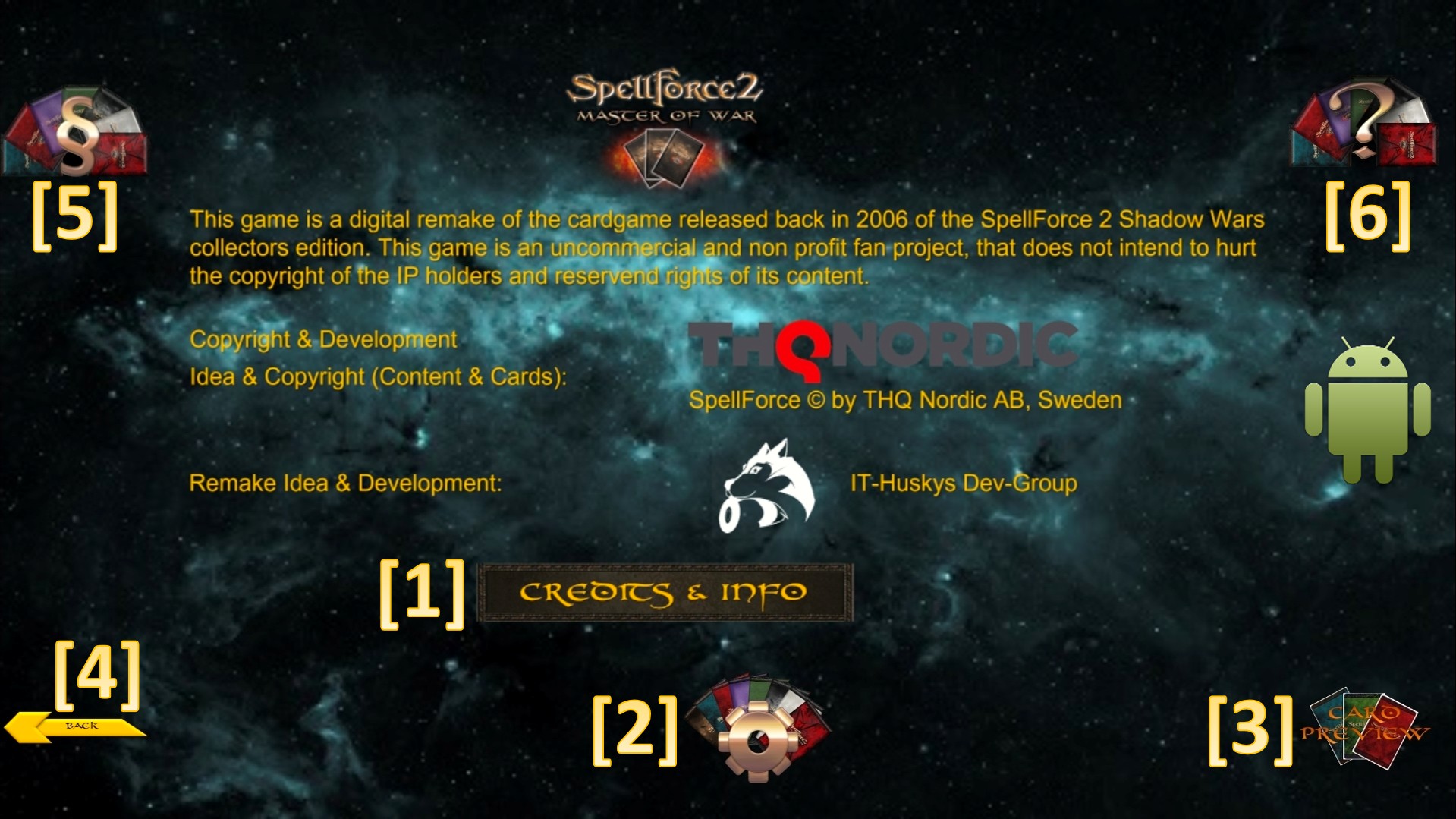
In this menu you have access to a preview of all cards in the games, managing your settings or watch the credits of SpellForce 2 - Master of War.br>
[1] - Plays the credits of SpellForce 2 - Master of War.
[2] - Opens the Options for adjusting Game-Settings.
[3] - Open the card preview menu to display all cards in the game
[4] - Returns to the main menu
[5] - Links to the SF2-MoW Website EULA/Privacy Policy/Copyright page
[6] - Opens the games manual PDF
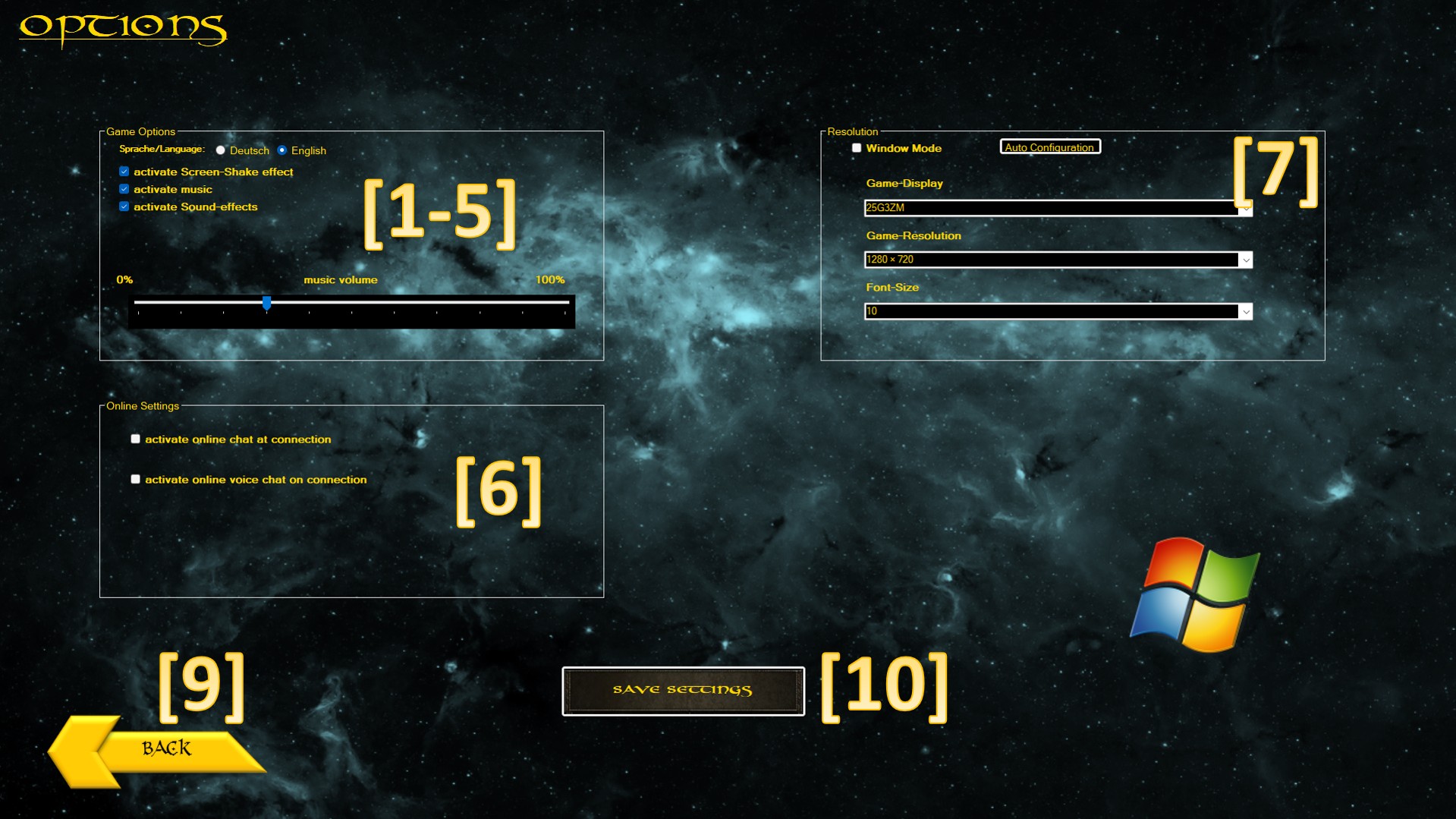
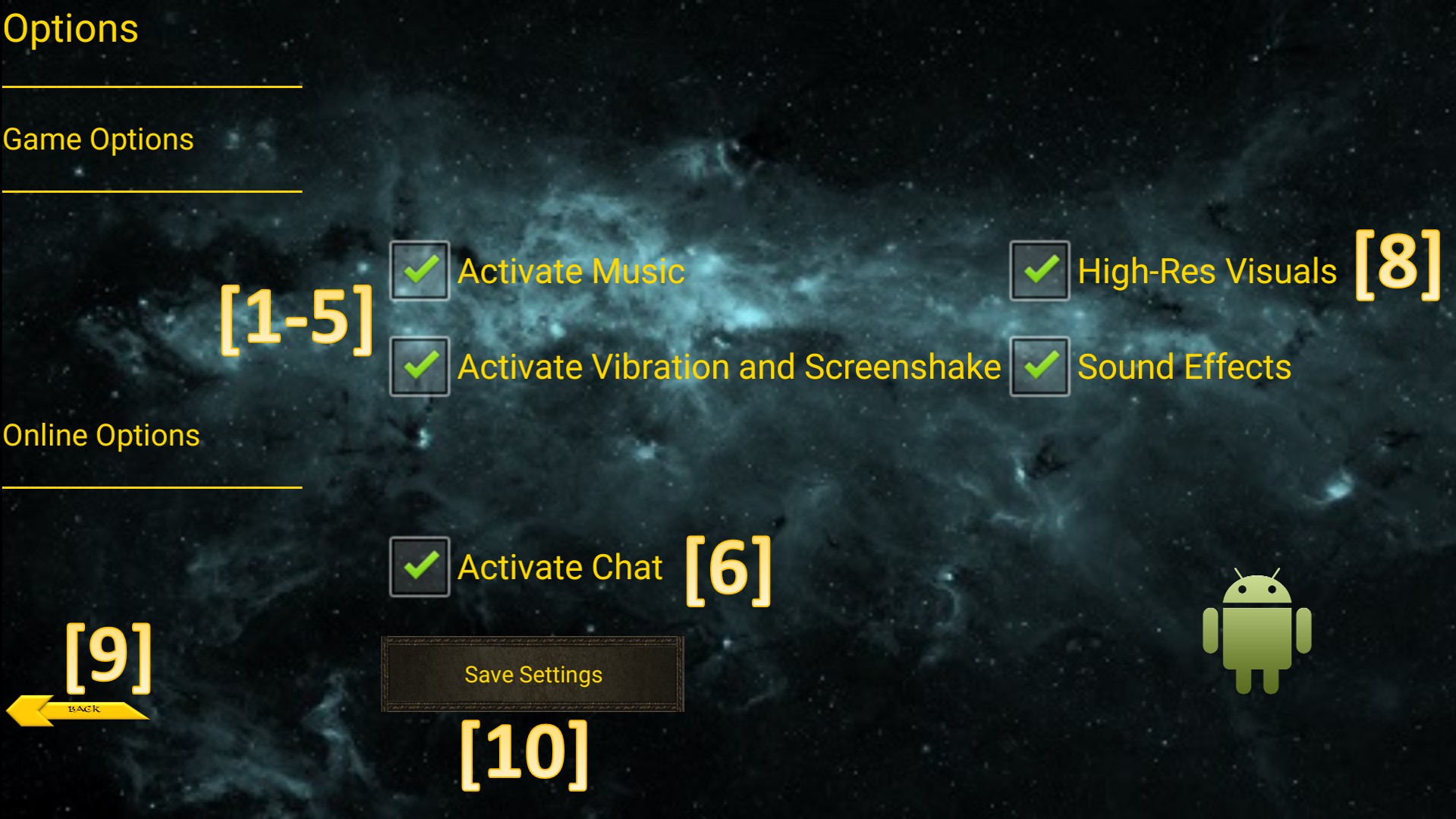
'SpellForce 2 - Master of War' and 'Master of War - Forces of Eo' on version 4.6 does allow you the following options:
[1] – Change the games displayed language (does not effect the Story Campaign – english only).
[2] – Activates the screen-shake and rumble feature.
[3] – Activates the game-music.
[4] – Activates sound effects on buttons and events.
[5] - Music settings (no volume settings on Android since the device itself manages that).
[6] - Online Chat and Voice communication (when connecting to the online lobby).
[7] - Display options for main screen, resolution and font size (Android has autodetection but if that fails the game will ask at the very start of the app).
[8] – Enables or turns off high resolution graphics (will be auto enabled on Android devices with more then 6GB of RAM). On low-end devices its recommend to disable to reduce RAM usage/load.
[9] - Goes back to the main menu without applying any changes.
[10} - Saves and applys the current settings.
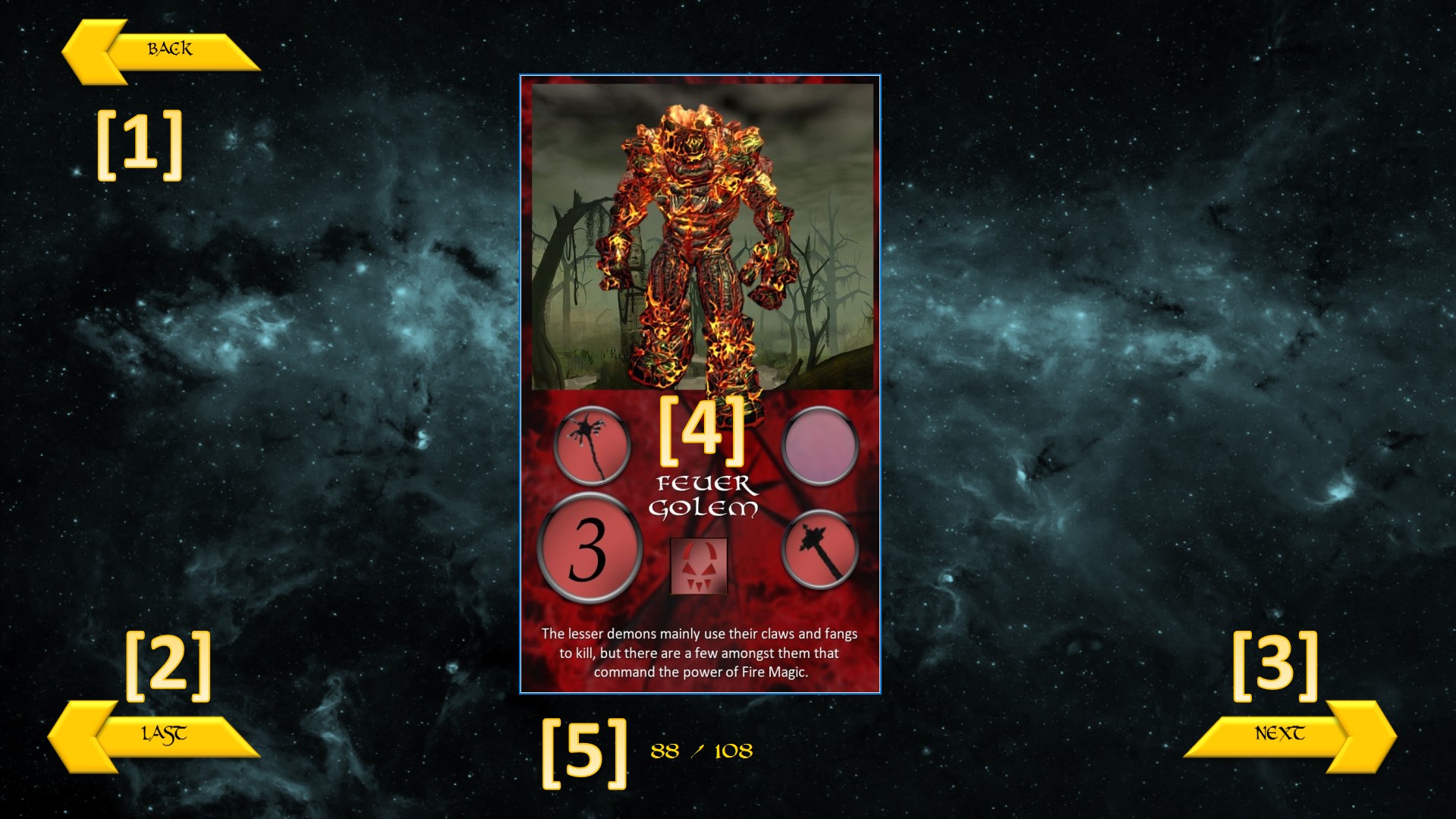
In this menu you have the option to view every card in the game to get a little preview of what you can encounter in the game.
[1] - Goes back to the Info menu.
[2] - Goes to the last card of the preview.
[3] - Goes to the next card of the preview.
[4] - Shows the currently previewed card.
[5] - Shows the current position of the cards in the preview.
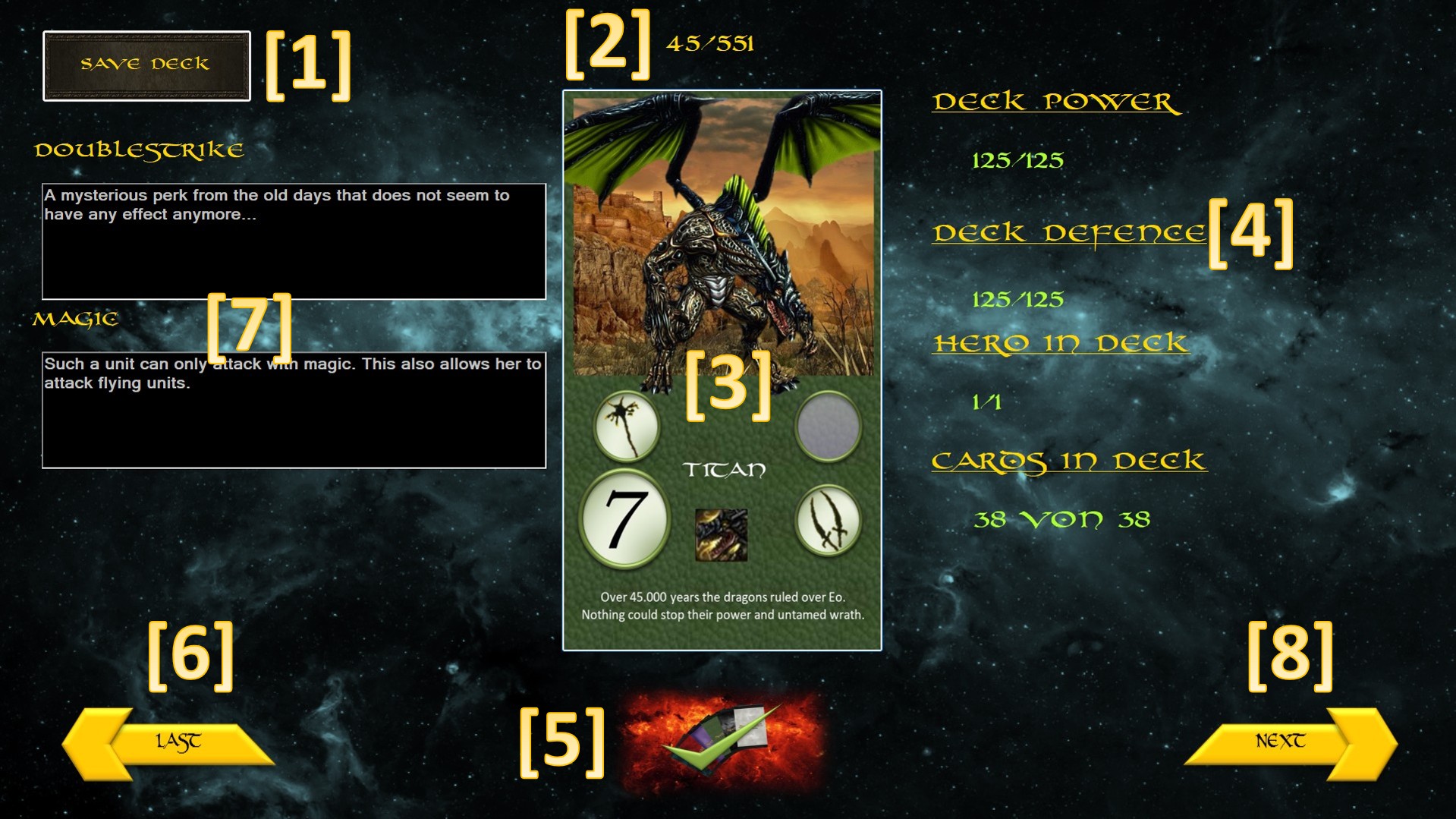
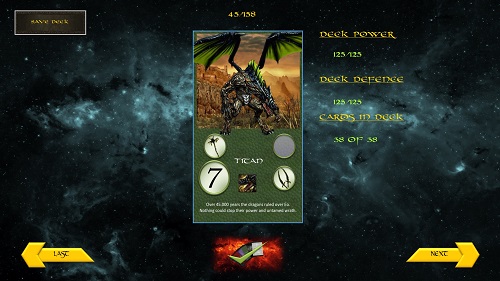
In this menu you can configure your own custom deck based on the balancing rules.
SpellForce 2 - Master of War - Forces of Eo Deck rules
Rule #1
A deck must always contain 38 cards in total including the hero card.
Rule #2
A deck must include one and only one hero card.
Rule #3
A deck is not allowed to overstep a limit of 125 combined attack power
Rule #4
A deck is not allowed to overstep a limit of 125 combined defence power
[1] - Saves the configured custom deck and leads back to the Info menu.
[2] - Shows the current position in the total card collection.
[3] - Displays the current card in the total card collection.
[4] - Shows the current state of the custom deck under the rules.
[5] - Selects if the card should be put in or out of the deck.
[6] - Goes back to the last card in the total card collection.
(Windows: Double Click | Android: Long Touch => jumps to the 1st owned card)
[7] – Displays the effect-perks of the current card.
[8] - Goes to the next card in the total card collection.
(Windows: Double Click | Android: Long Touch => jumps to the last owned card)
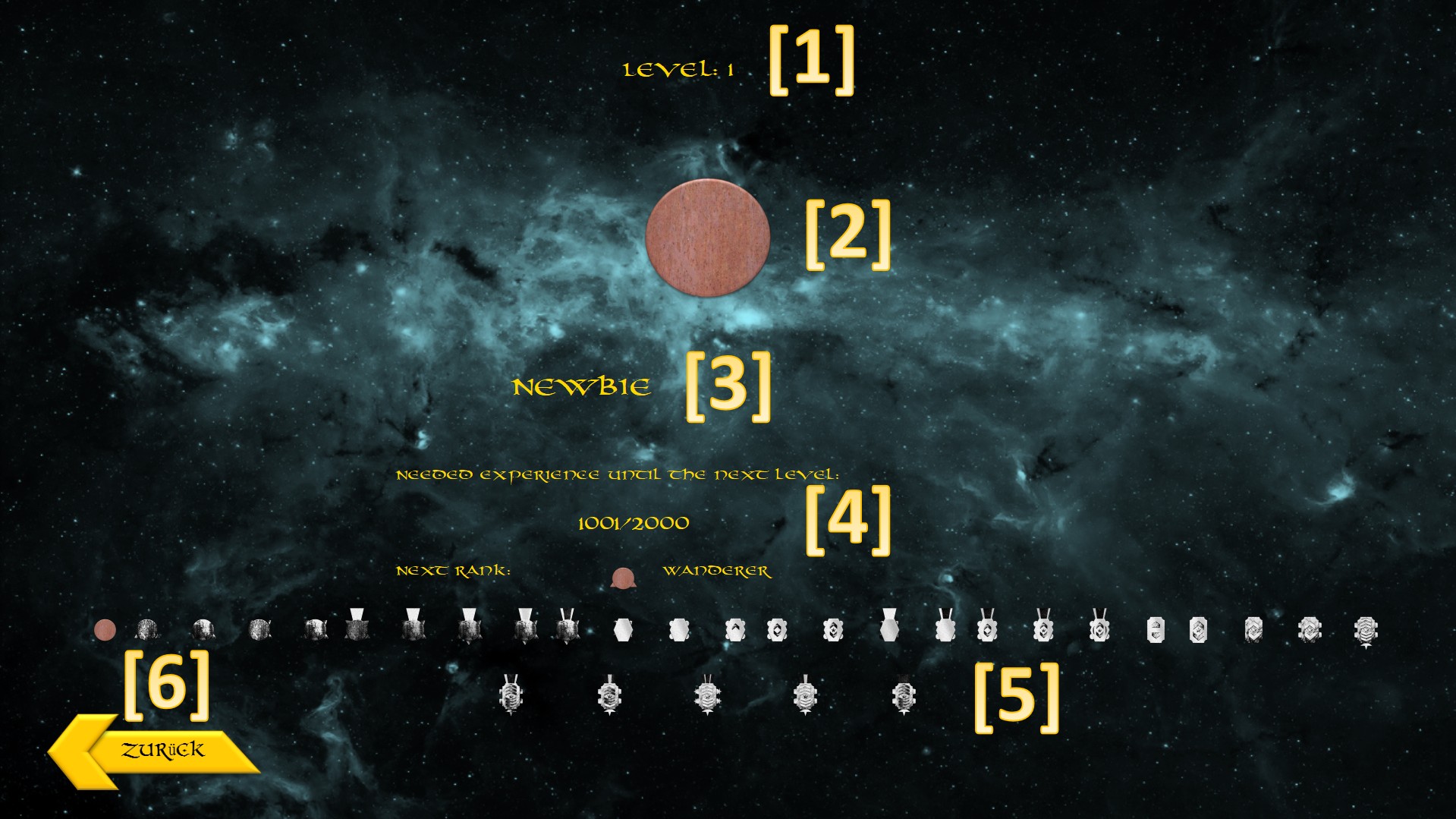
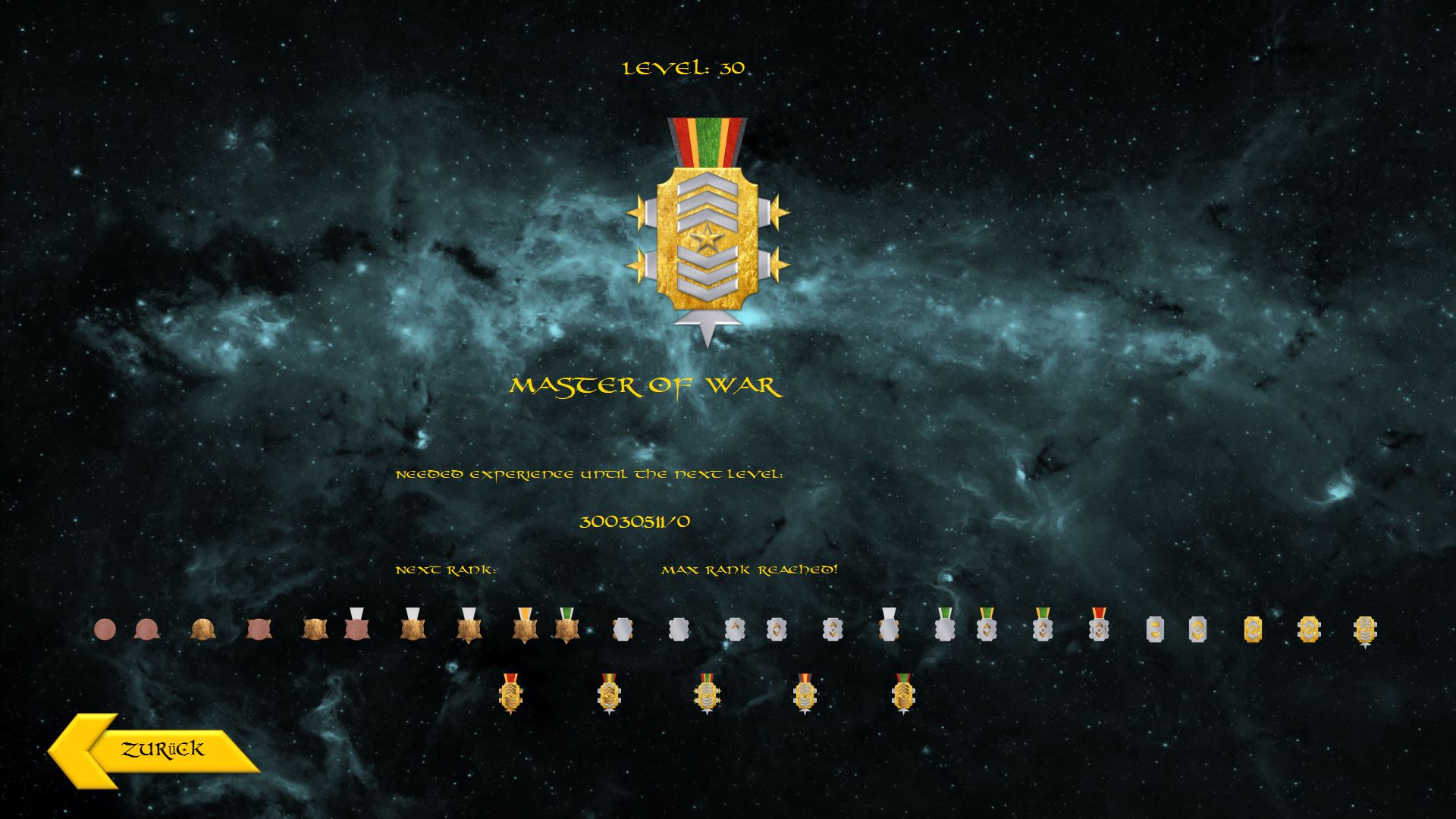
In SpellForce 2 Master of War - Forces of Eo on version 4.6, you will be able to rise the ranks and earn medals by defeating other players or the AI. You can rise up to the rank of 30 and earn the title „Master of War“.
[1] - Shows the current level.
[2] - Shows the current rank medal.
[3] - Shows the current rank title.
[4] - Shows the current EXP and what is needed to reach the next rank.
[5] - Overview of the already earned medals and the ones still to unlock.
[6] - Goes back to the main menu.
What is the aim of the game?
The objective of the game is to defeat the opposing armies or make them incapable of acting.
How do you start/prepare the game?
Both players sit opposite each other.
[1] Each one of them use their custom army/deck that they prepared.
[2] Each player is dealt a hero card, which he lays down in front of him.
[3] The players shuffle their deck and draw 8 cards.
[4] The remaining stack of cards is put face down besides.
[5] Both Colours of the magic cards are shuffled and placed face down between the players decks.
[6] The callenging player plays out up to three cards from his hand, and places them side by side down on the table and thus making his 1st Army.
[7] The other player then places his part of the covenant up to three cards face down those of the challenging player from opposite.
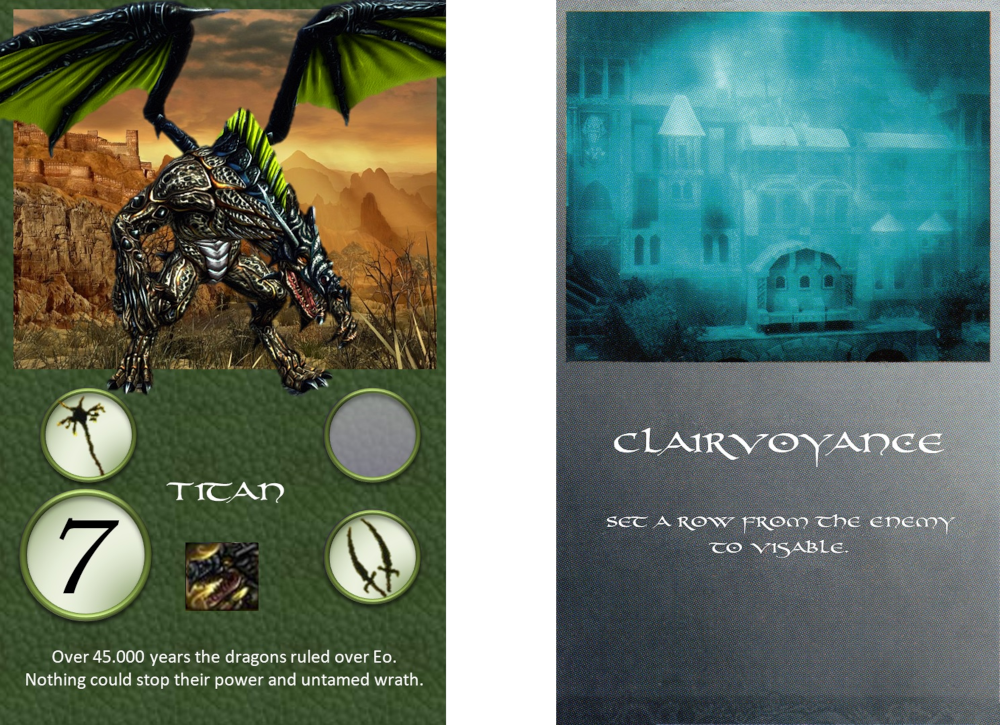
Each player has an army of 38 cards. Most cards have a value of 1 to 7, indicating their strength. The higher its value, the stronger a card in a fight. These cards can be placed face during the game on the table. Many cards have one or more additional symbols that indicate their special abilities. The Spell Cards can not be interpreted on the table, but played directly from his hand and placed after their action is completed. From the magic stack can both players draw.
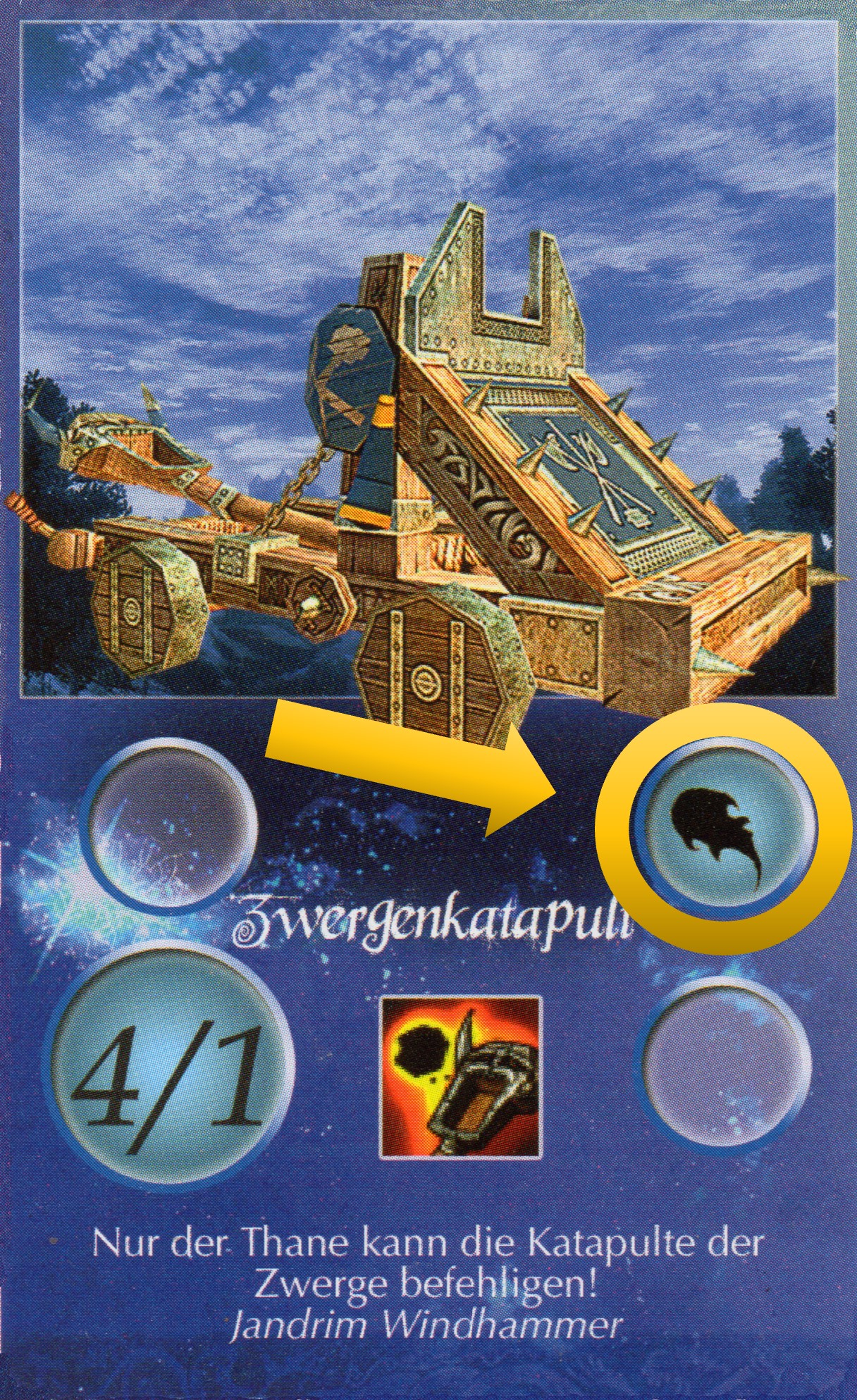
Siege unit
Such a unit can show its strength only in the attack. If they get attacked they only has a defence of 1. Siege units automatically destroy towers in an attack.
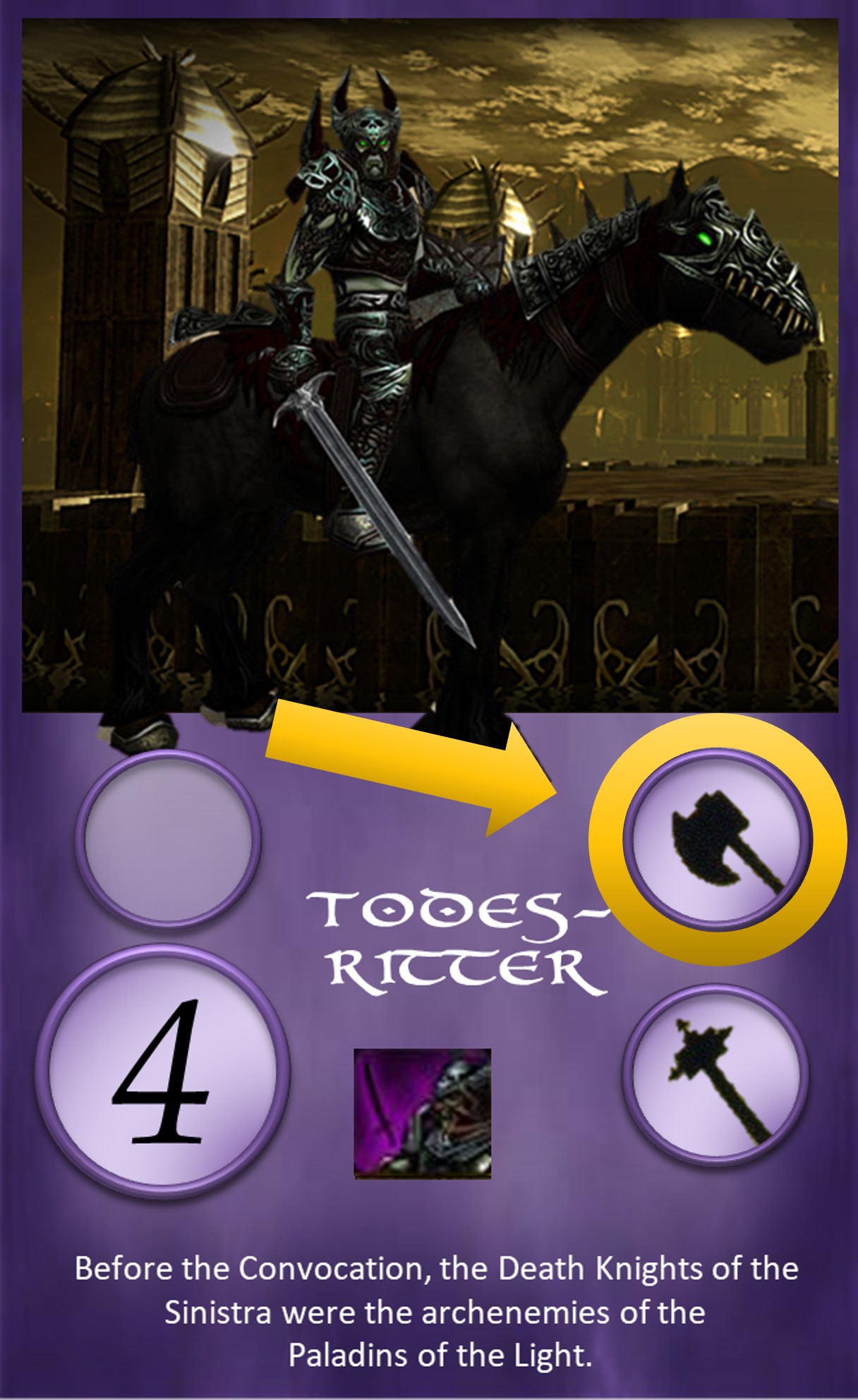
First strike
If both units have the same strengh, the unit wins that has first strike. If both units have this ability, both cards are discarded.
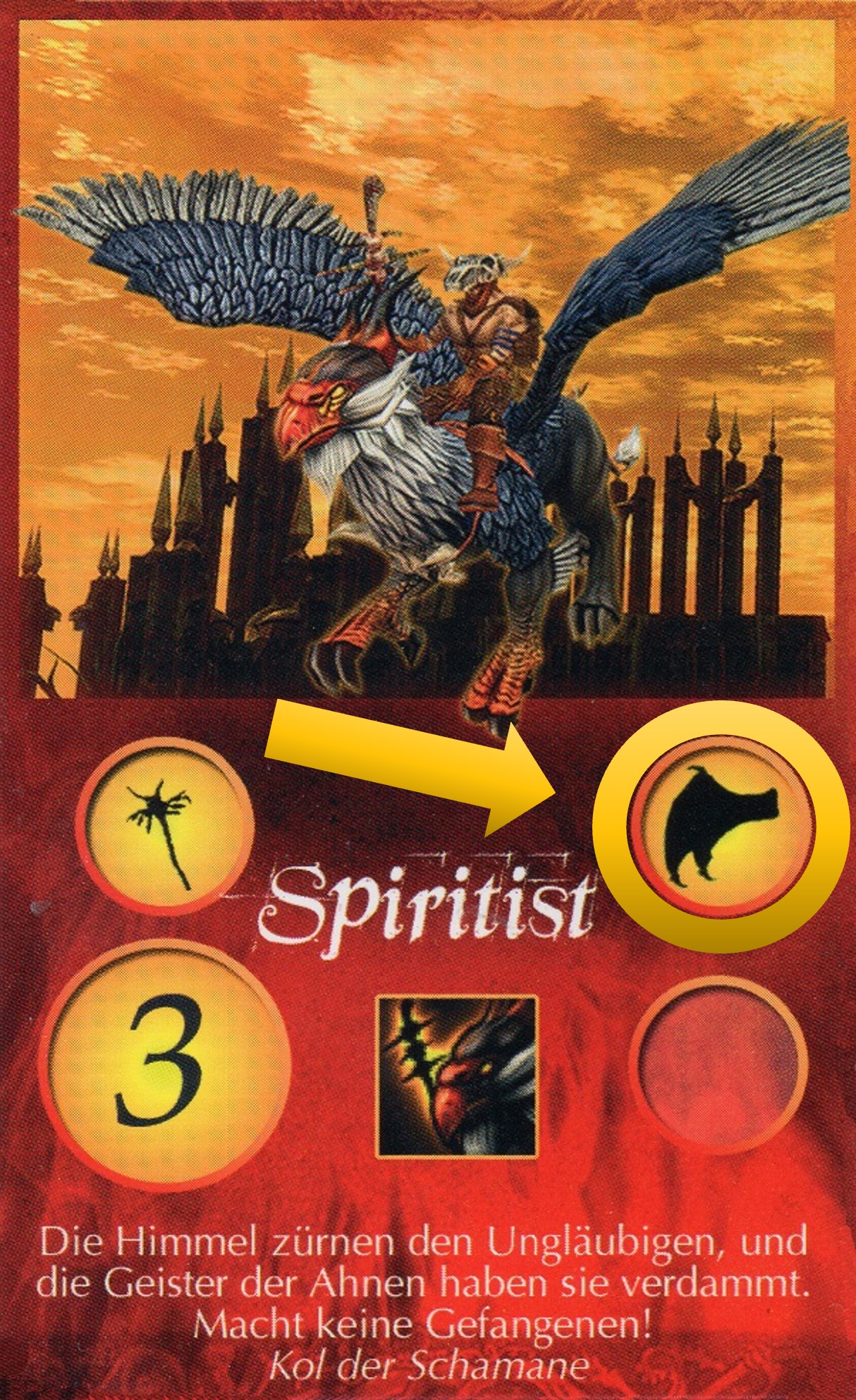
Flying unit
Flying units can not be attacked by normal ground units. Only other flying units and units with magic, archer or siege damage can attack them. Flying units, which carry out an attack on a unit themself, fight like a normal floor unit. Flying units can also use the magic "quitus" when being played from hand.
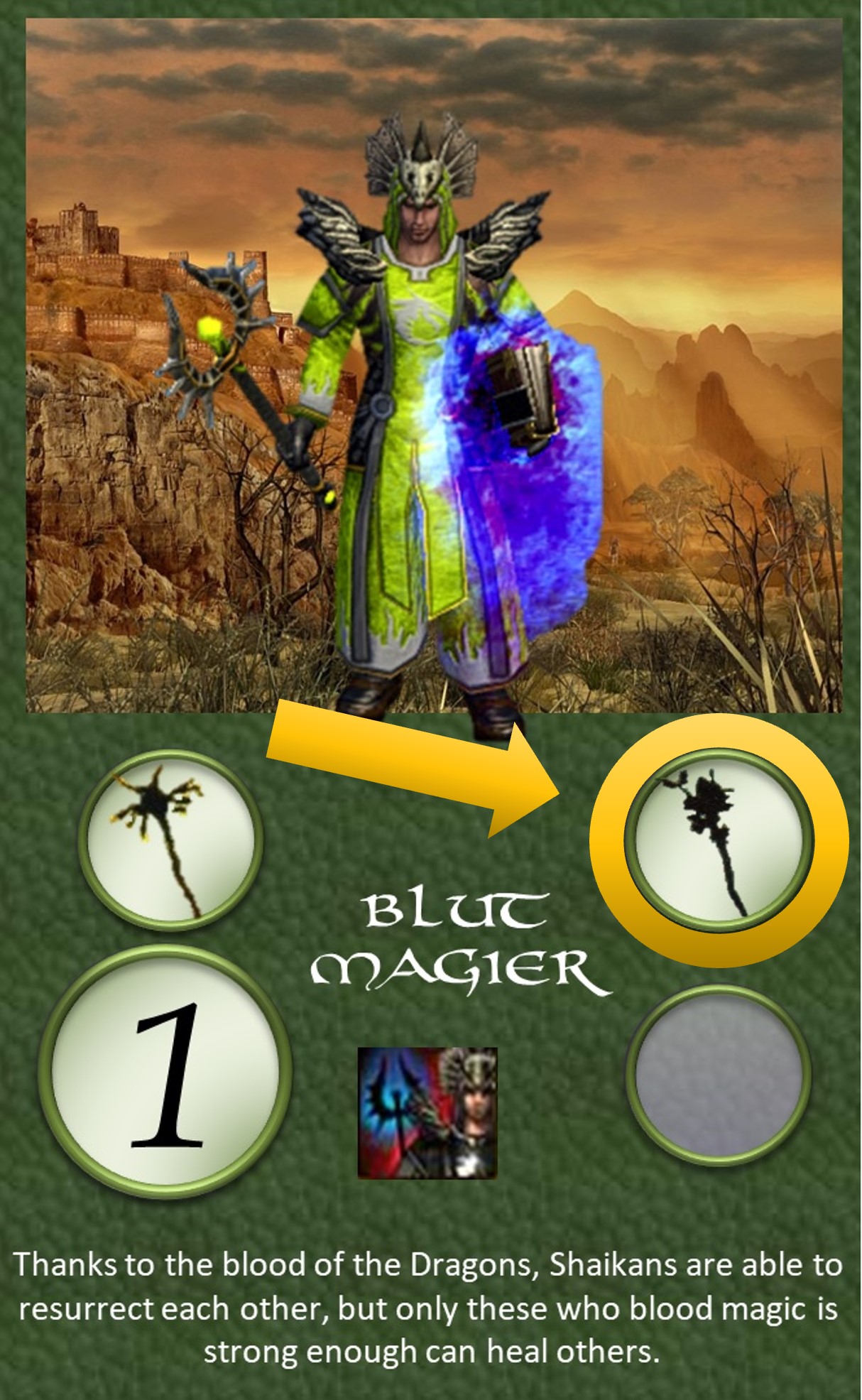
Summon Dead
When this card is in the 1st row of an army, the player can instead of an attack, retrieve any unit from the discard pile. Thes costs the same as an attack, an action point.
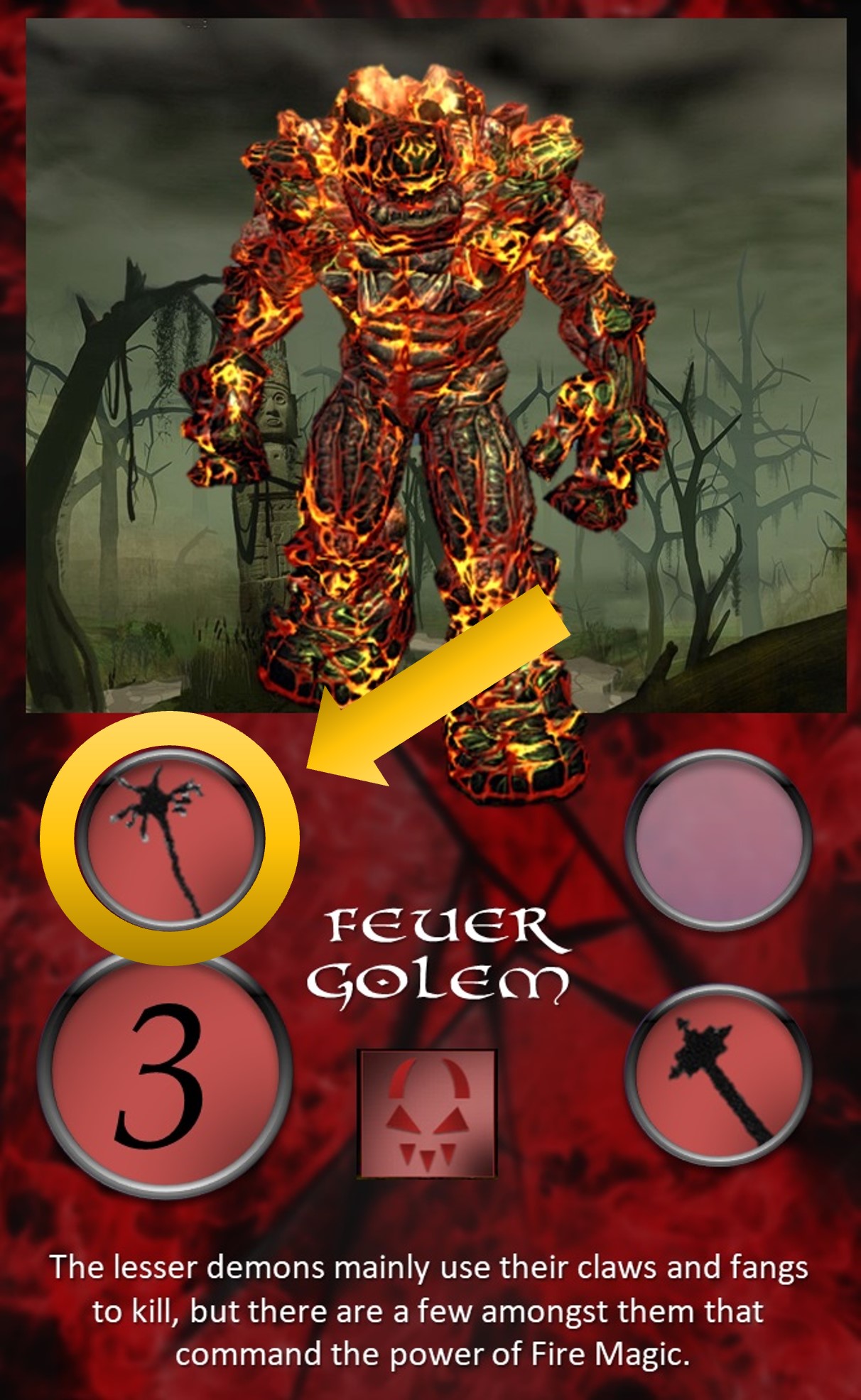
Magic
Such a unit can only attack with magic. This also allows her to attack flying units.
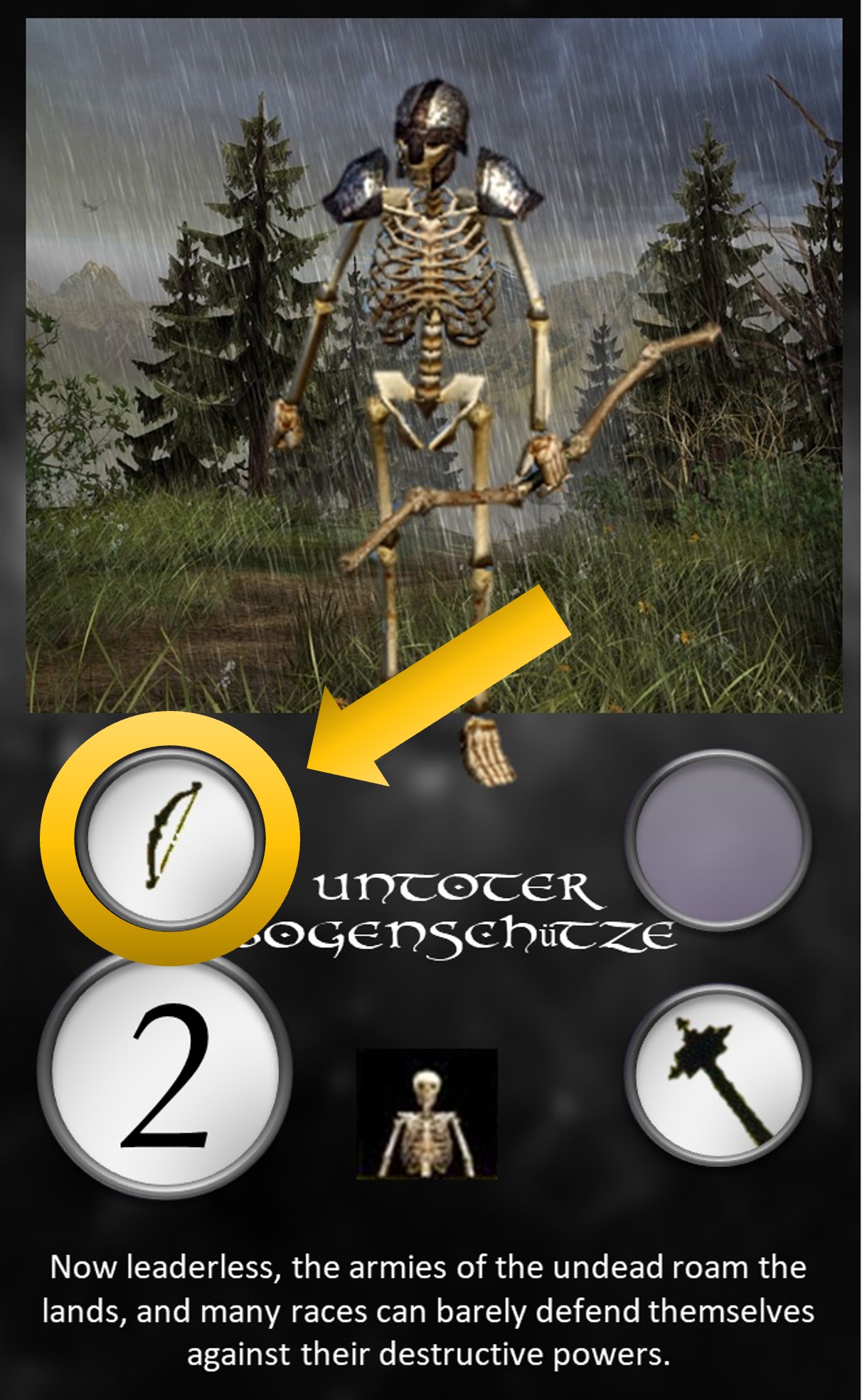
Archer/Bullet
A unit with this property can also attack air/flying units.
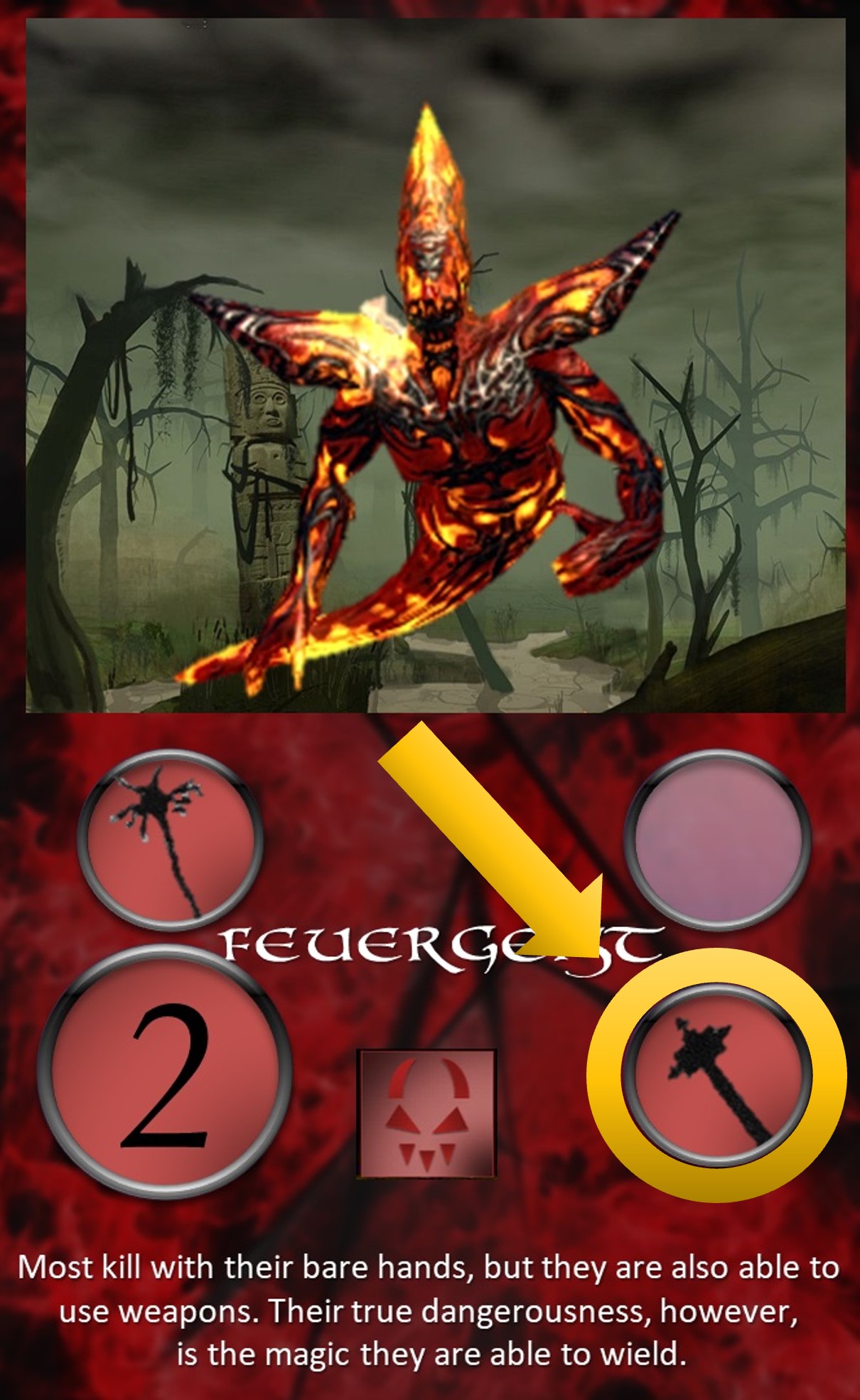
Resistance against magic
A unit with resistance against magic gets a bonus of 1 for the strength against units with magic attacks.
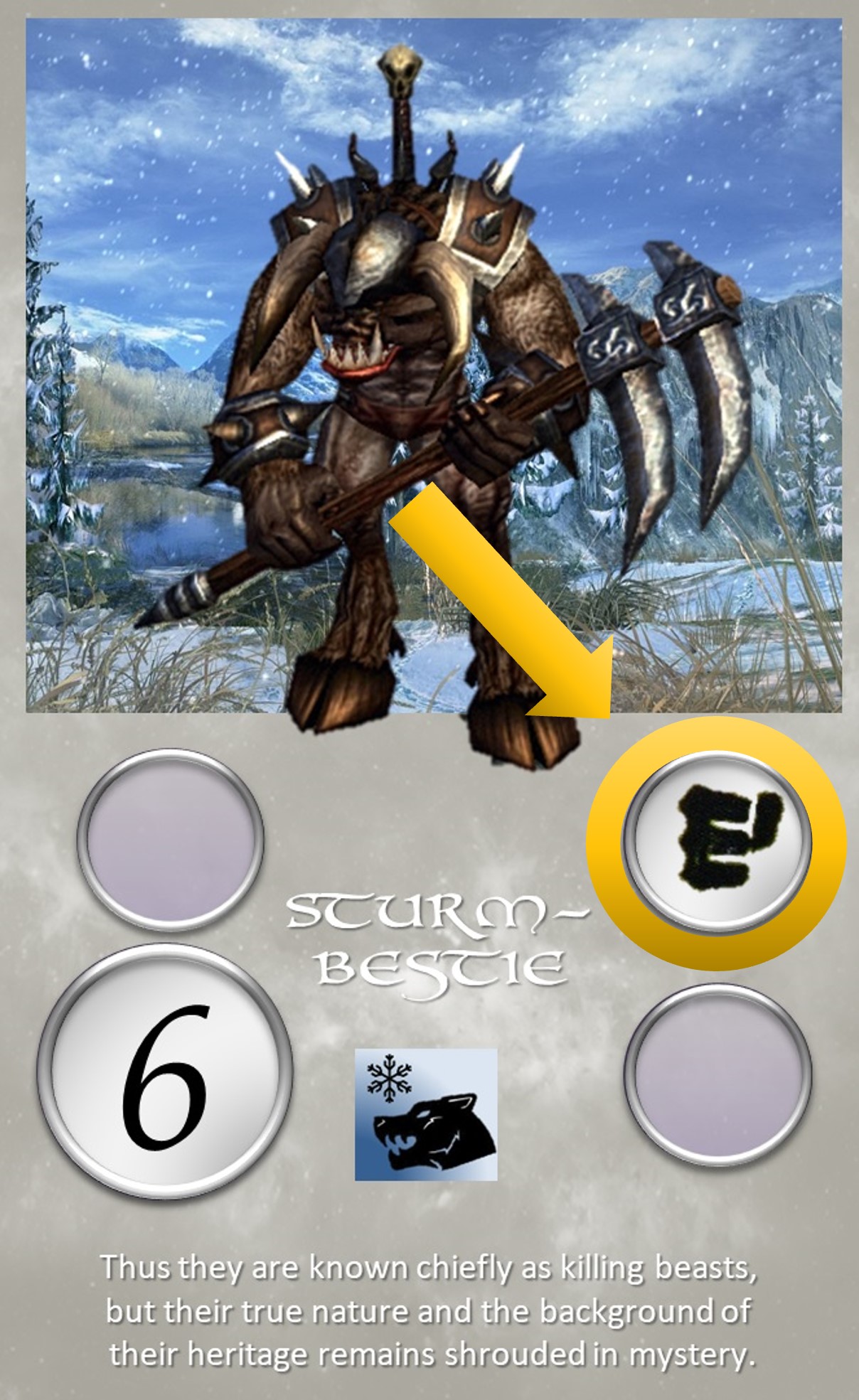
Resistance against bullets
A unit with resistance against bullet gets a bonus of 1 on the strength against units with bullet attacks.
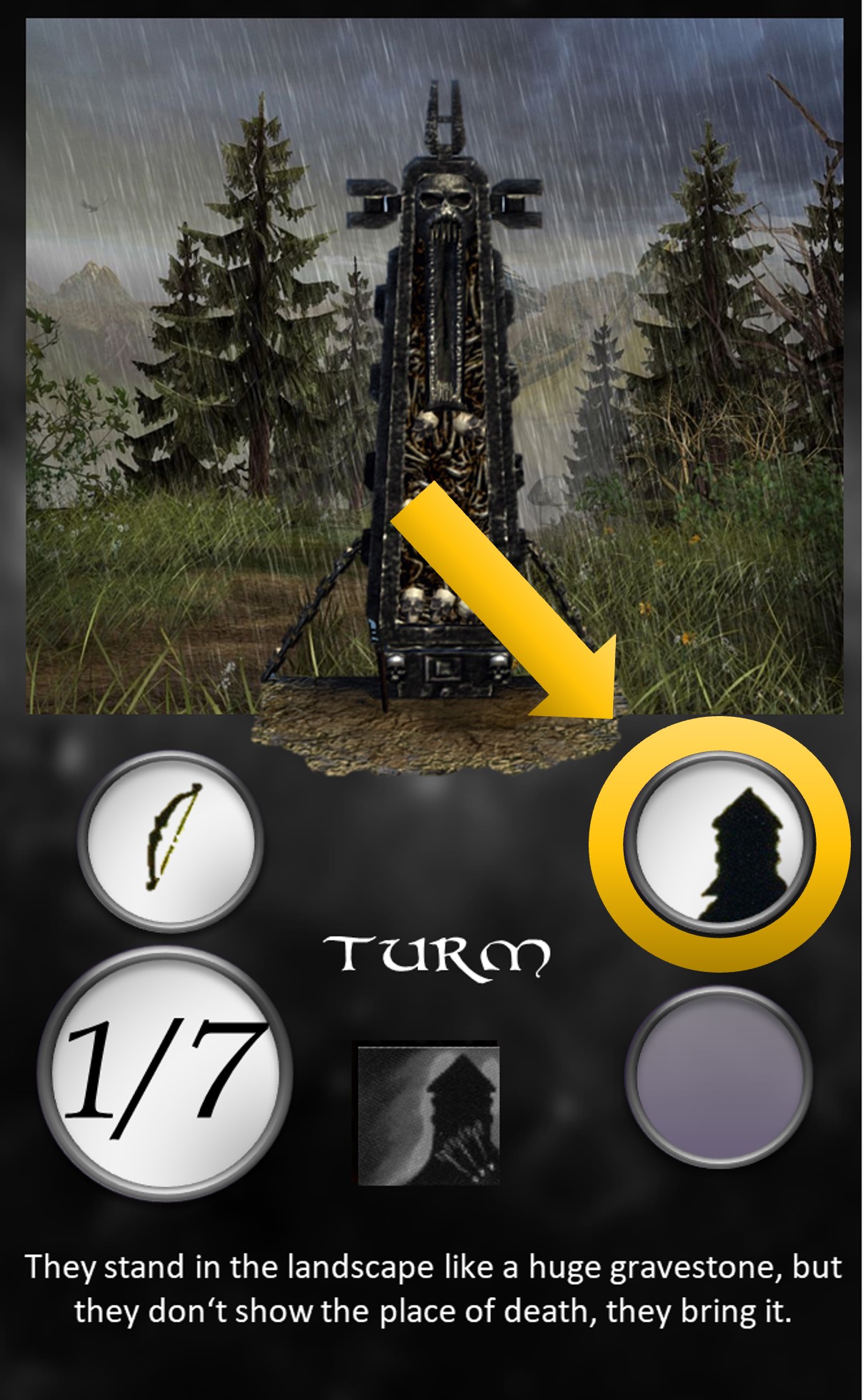
Tower
A tower can use his strength only in defense. He a tower attacks, his strength is only 1. Towers that are attacked by siege units are destroyed at the spot.
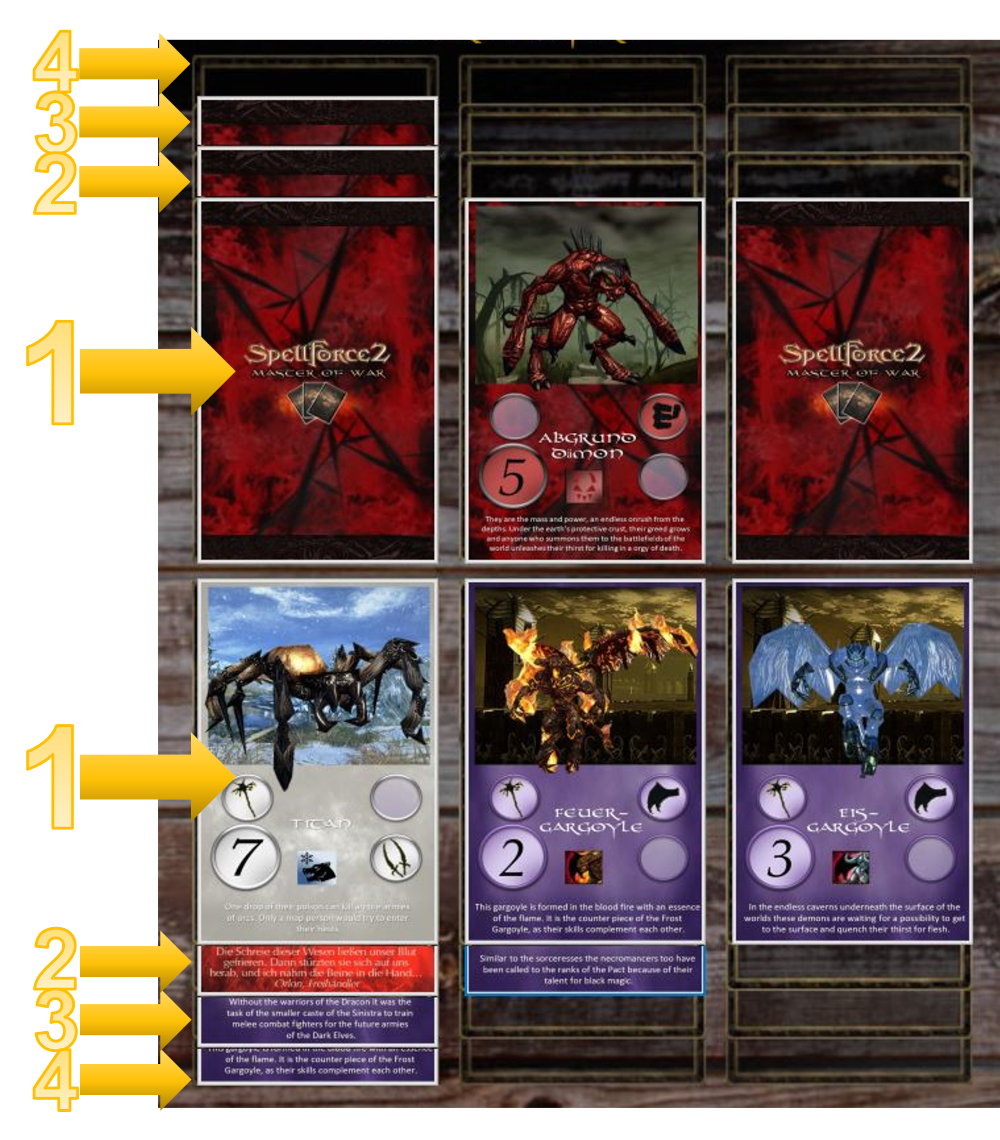
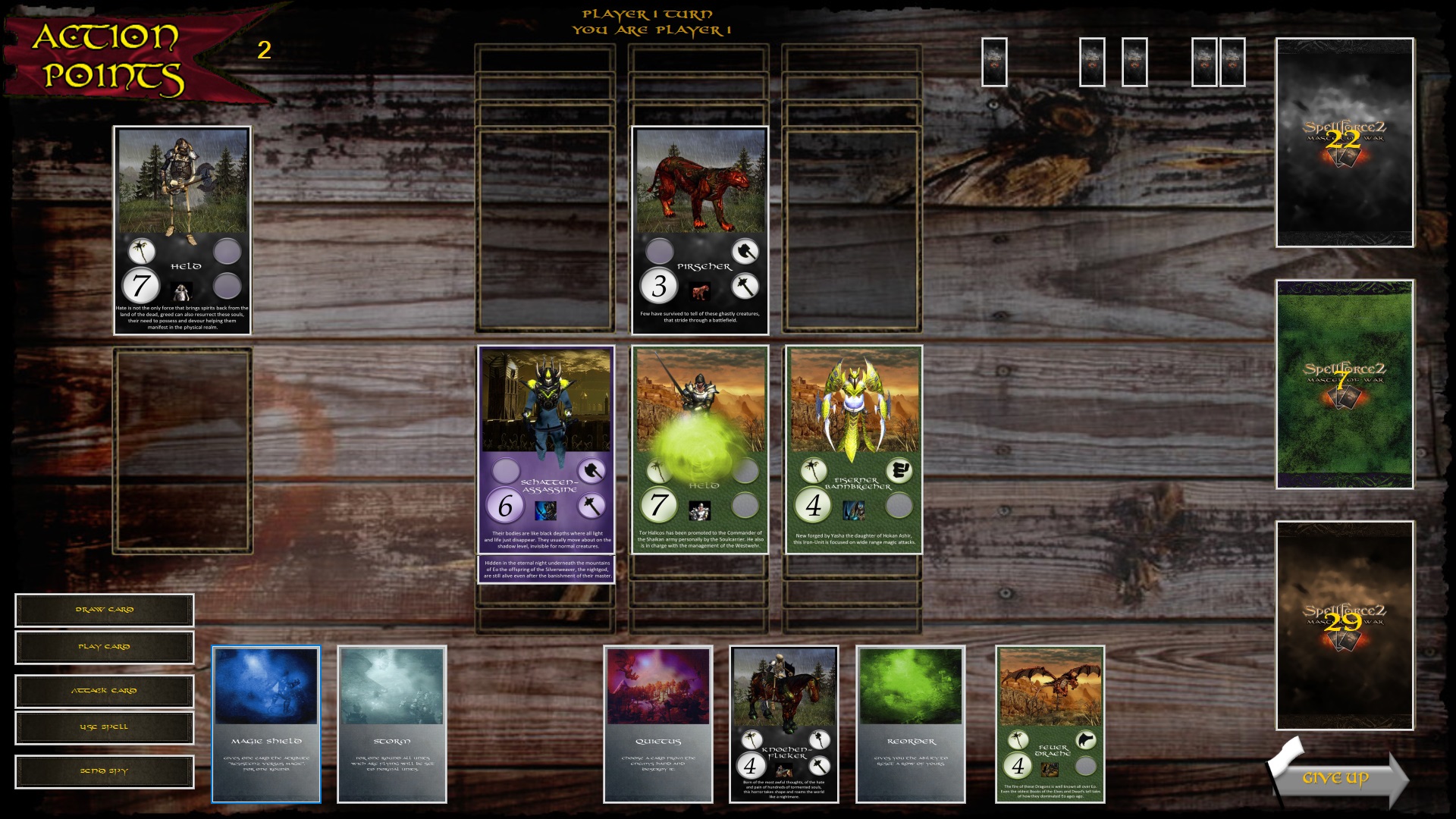
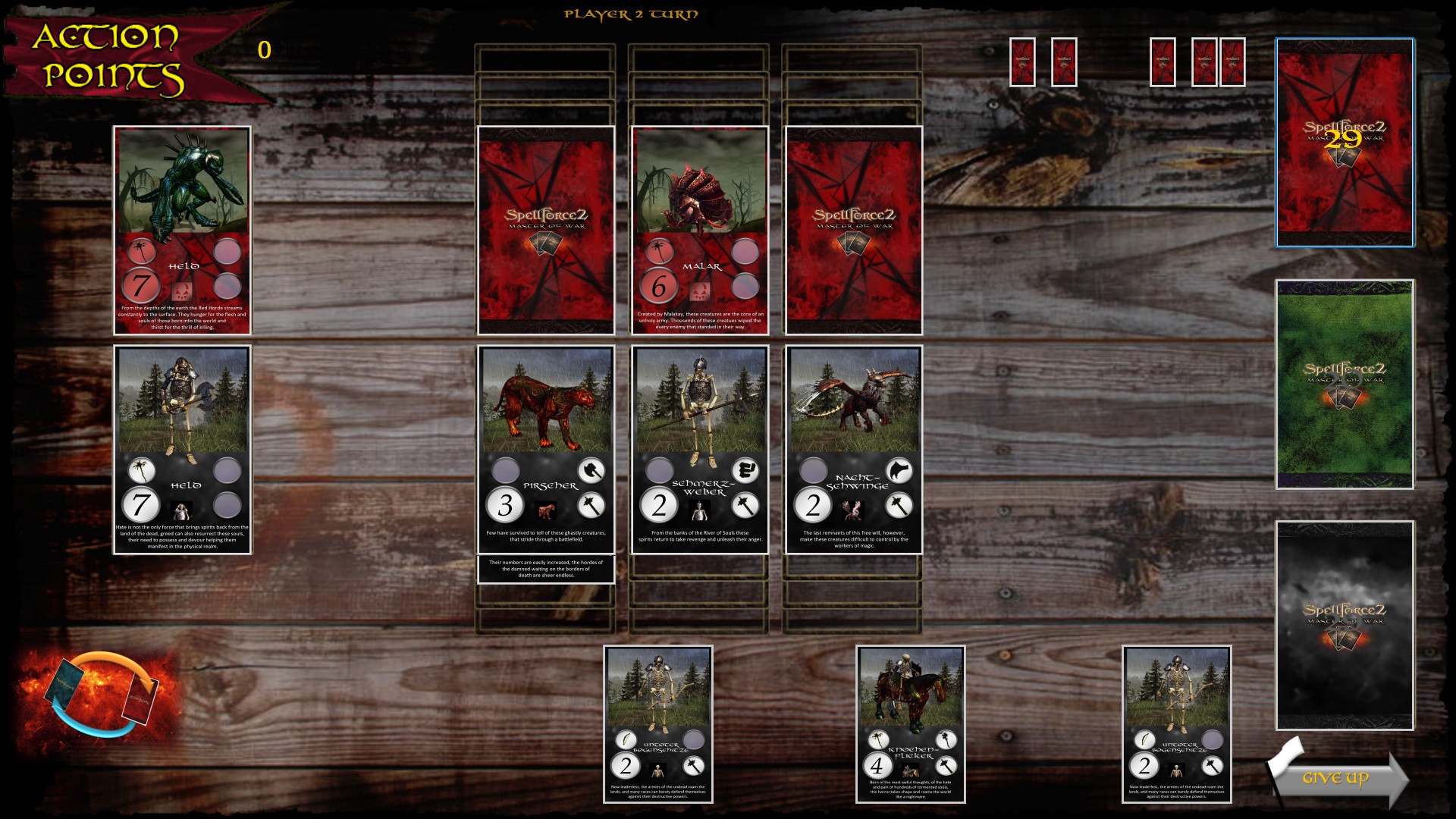
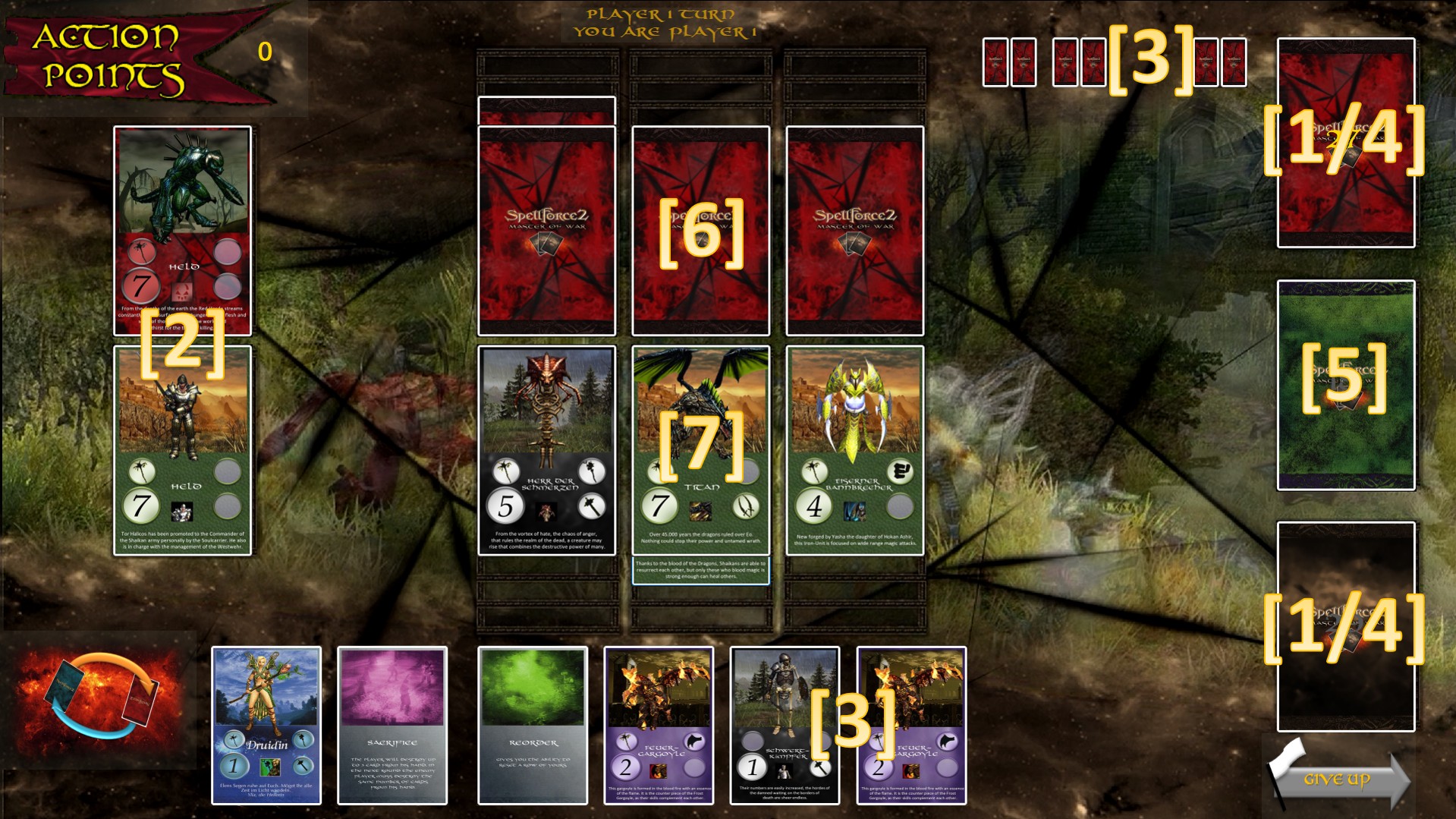
Throughout the game, the players plays out more cards to the field. Side by side, up to three cards are played. All cards that are next to each other are called an army. This can be one, two or three cards. Behind every card of the 1st Army, up to three additional cards are placed. All cards behind each other are called a series. A set may consist of one, two, three or four cards. A player can make a maximum of four armies, each consisting of three rows. Cards in the 1st Army can attack the opposing cards of the 1st army of the enemy.
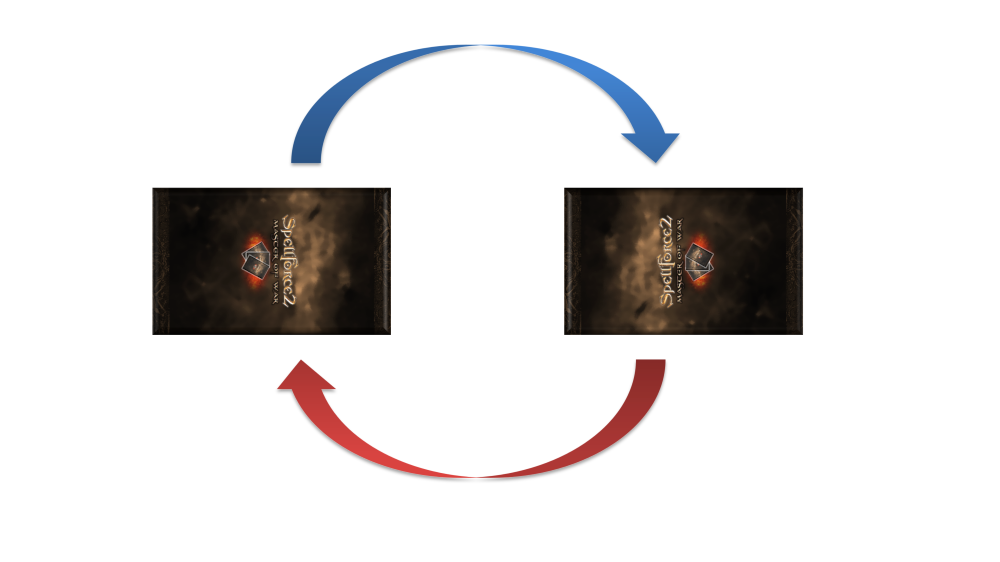
The players take turns. The challenging player begins the battle. For each card in the 1st Army, the player has an action point, so a maximum of three. If a player at the start of his round has just two rows of cards, he also has only two action points. Did he start his round with only cards in a row, he has only one action point. For an action point, you can perform the following actions:
1. Draw a unit card or draw a spell card
2. place a unit card on the battlefield
3. attack an enemy card
4. use a spell or spellcard
5. send out a scout
A player can once or several times perform an action. The actions can be performed in any order. It is allowed to play a card to attack an opponent's card and then attack another card.
A player must spend all action points. He can’t save anything and must spend everything.
Note: If you have not have a unit in the battlefield at the beginning of a round, you have no point of action and so immediately lost the game!
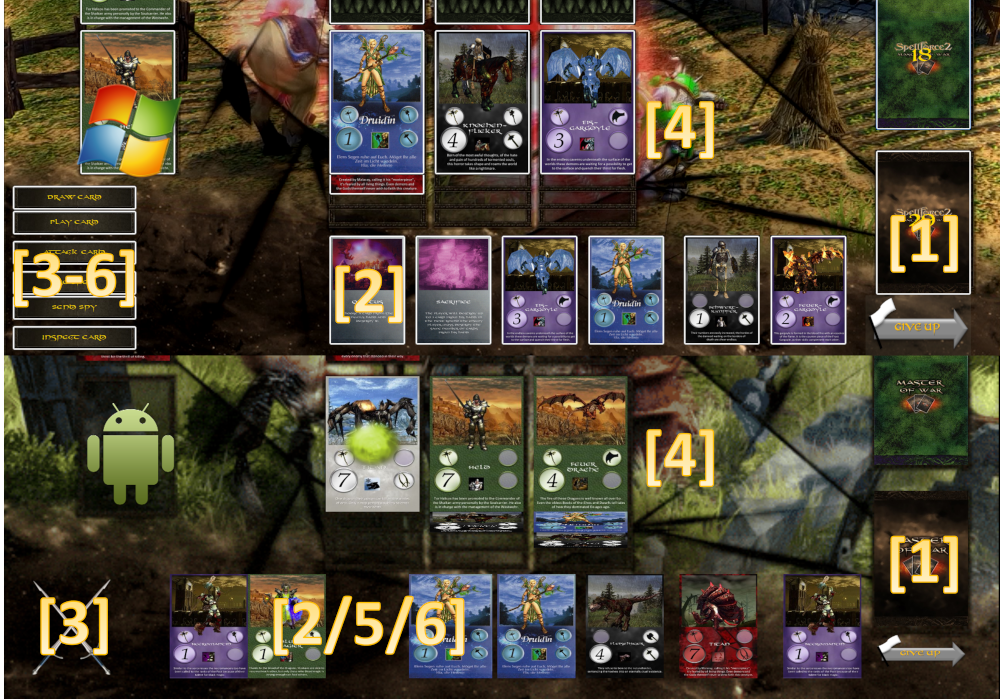
1. Draw a card
Costs one action point and means to take a card from their deck or the magic pile into your hand. You may have up to 8 cards in your hand.
2. The playing of a card
To play unit cards out costs one action point. A new card will always be hidden for the other player. This may be behind already up cards in a row, as long as there are still no four cards in a row. Some magic, however, make it possible to change the order is laid out.
3. Attack an opponent's card
Costs one action point. Only units in the 1st row can attack and only the card directly in front of it.
4. Use a spell
Costs one action point. The card is sent after the end of the spell on his own discard pile.
On windows you have to select the „cast spell“ button to perform unit magic in the 1st row.
On Android simply click on the unit in the 1st row.
5. The spying of the opponents hand
Costs one action point. It is played directly from the hand by a flying unit card and triggers the spell "quitus". The performing card is destroyed.
On windows you have to select the „Send Spy“ button to use the ability of a flying unit in your hand.
On Android you long push on the flying unit in your hand to activate it.
6. Inspect Card
You have the ability to inspect any card on the field and in your hand. This gives you a detailed overview of the card, its perks and functionality.
On Android this is triggered by a Long-Touch on the card.

7. End Turn
When you have used up all your action points, you end your turn.
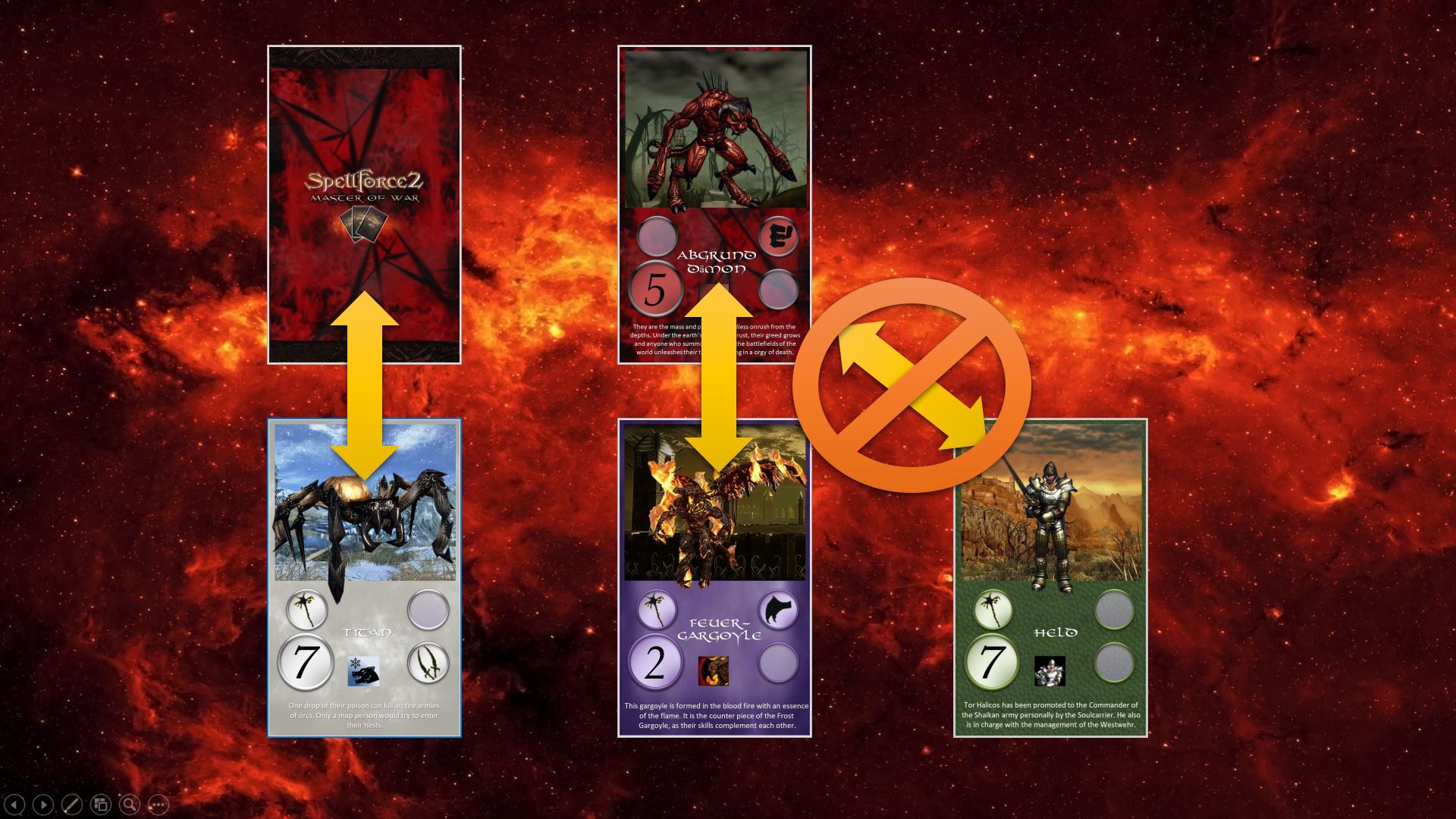
Only the cards in the 1st Army can perform an attack or can be attacked. The attacker pushes a card of his 1st group slightly forward, place it face and gives her strength value known. The opponent reveals his first opposing card in the same row and says their strength level and attributes. The card with the higher strength wins. The defeated card will be placed on the discard pile. The card, which has won remains and is uncovered. This card can now be exposed in the same turn or later perform further attacks or even be attacked. Are the cards equally strong, both cards are sent to their respective discard pile. If the front has been lost, the cards behind will be placed in there place.
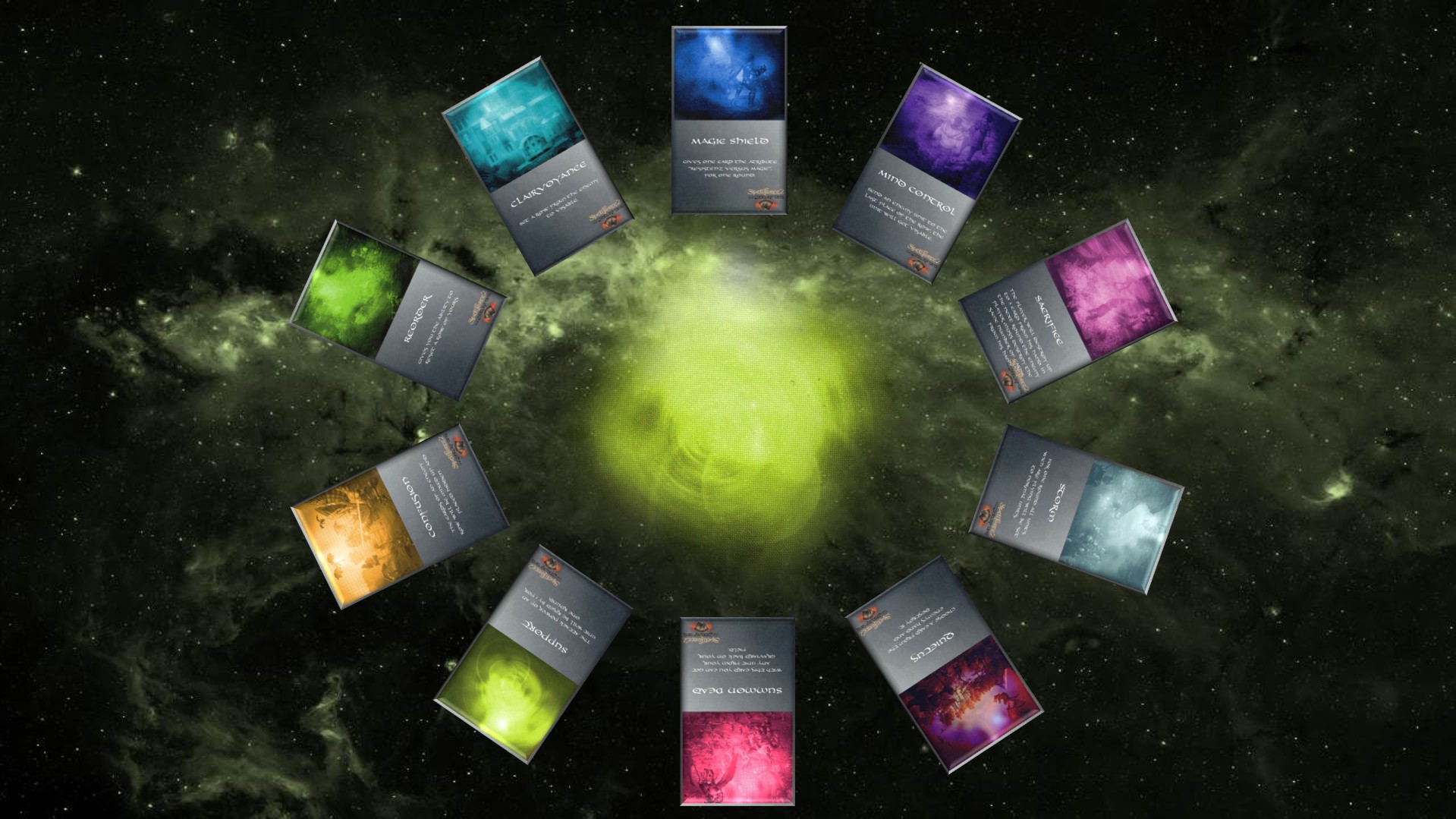
Using a Spell costs one action point. A spell is played directly from the hand. Some spells last for one whole turn. These cards work until it is the caster players ends his turn, not just until the next action.
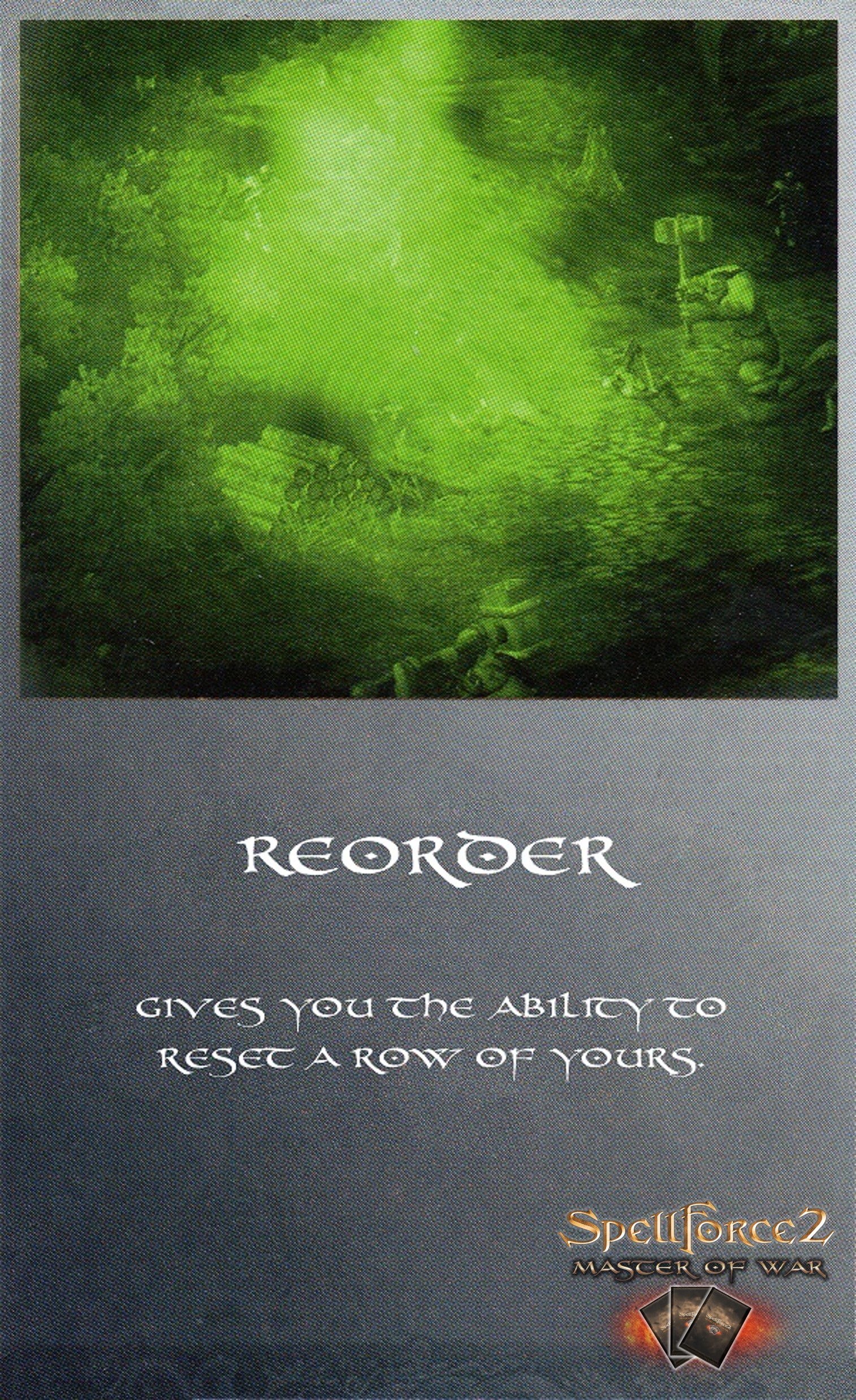
Reorder
Allows you to reorder and replace an army row of your choice of your own.
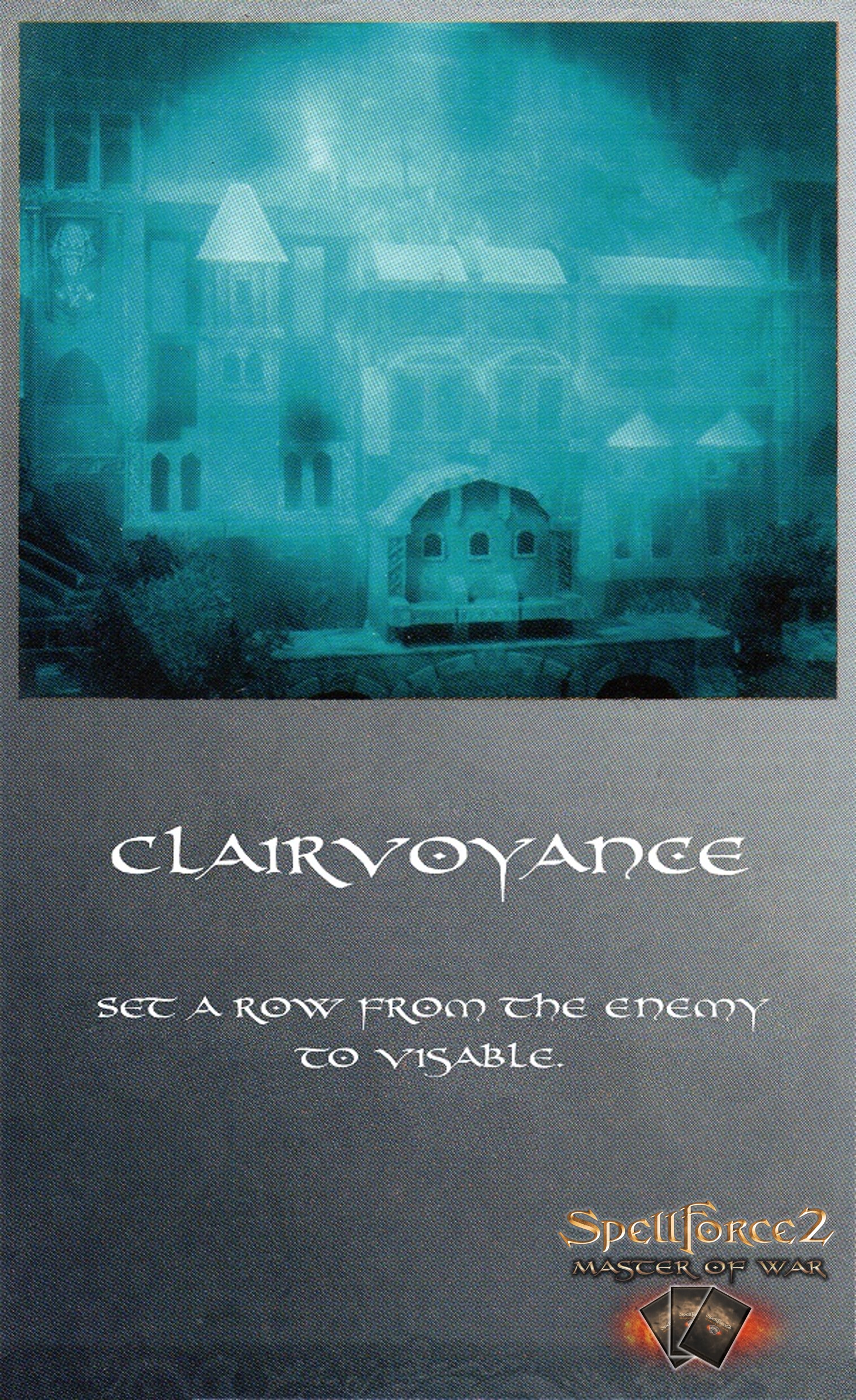
Clairvoyance
Allows to uncover a row of cards, of the opponent.
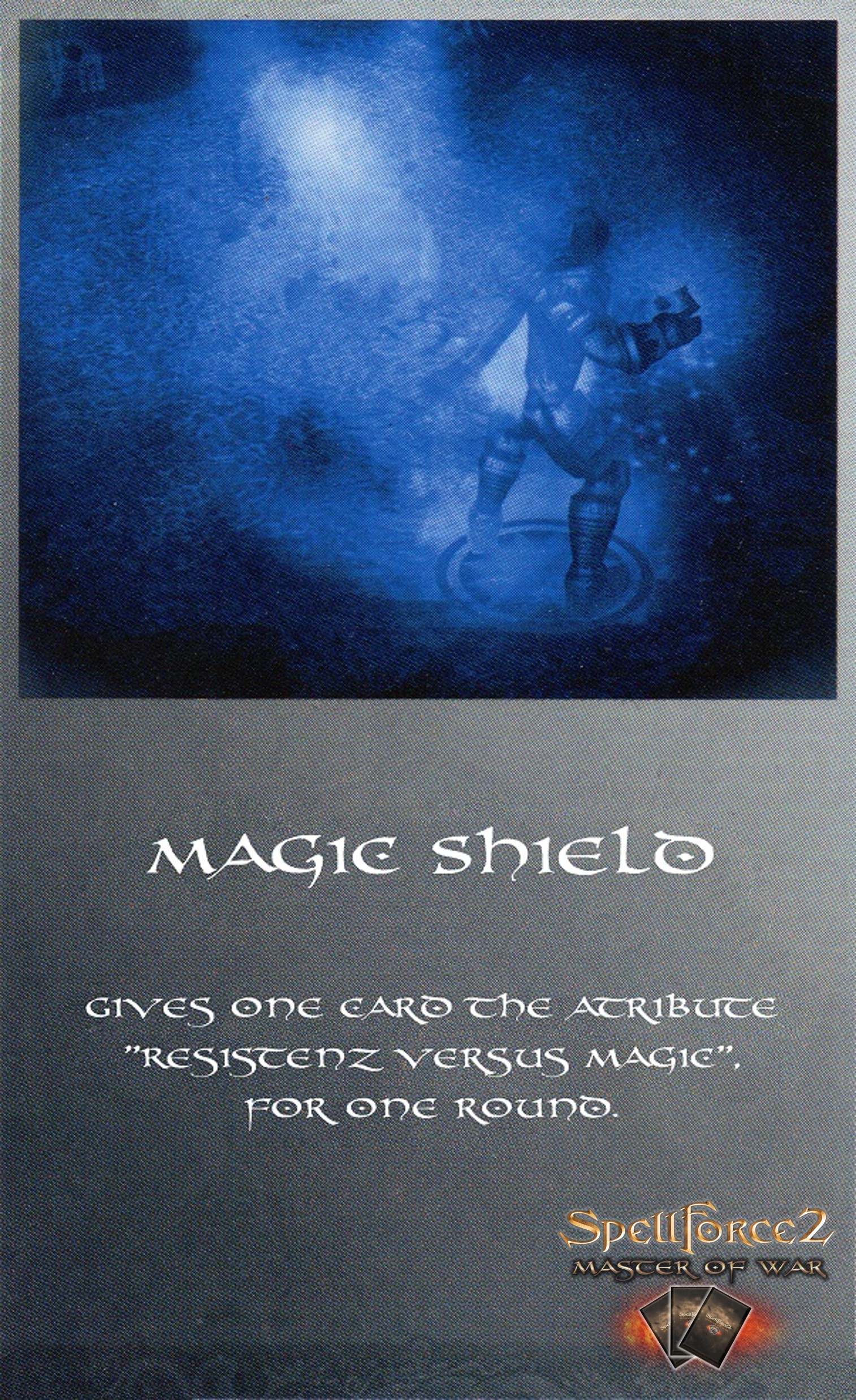
Magic Shield
Gives a card the ability "resistance to magic," until the end of your turn.
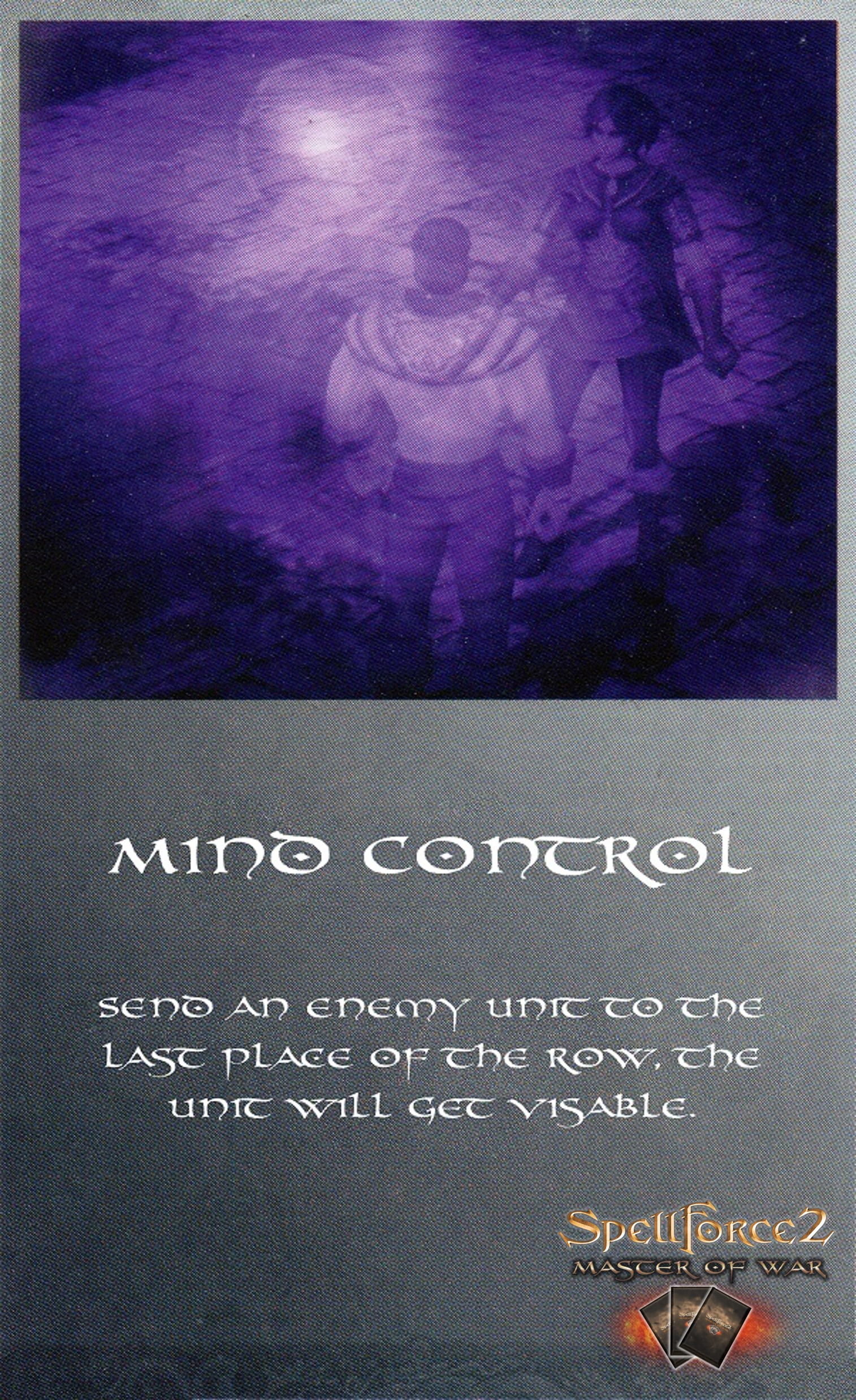
Mental control
Send any opposing card from the 1st Army to the farthest place of the selected row. The card is unvailed now, if it was still hidden.
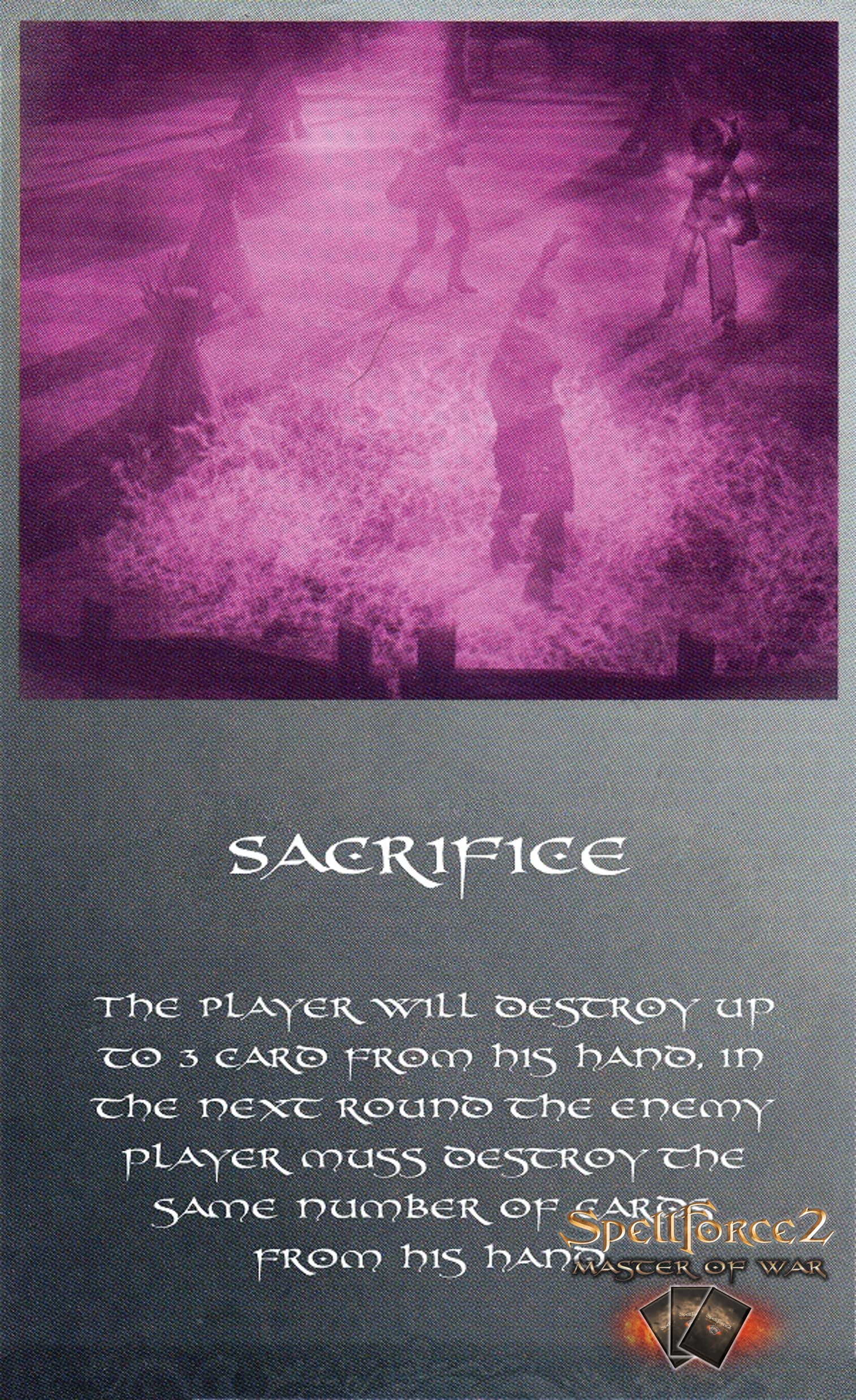
Sacrifice
The caster player discards between one and three cards. For each card, which stores the player himself out of his hand, the opponent must also discard a card.
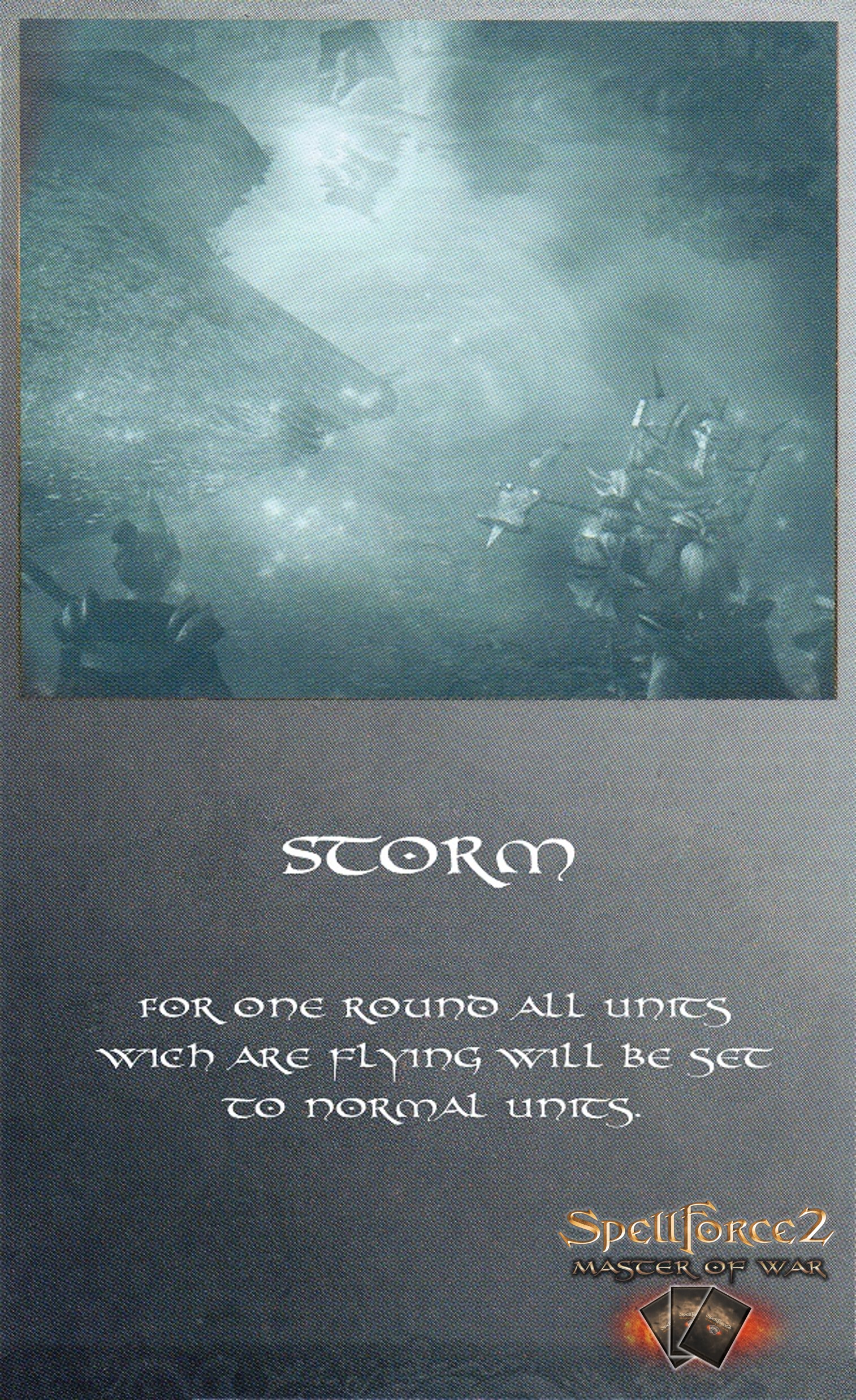
Storm
Makes all flying on both sides to normal ground units until the caster player ends his turn.
Quietus
You draw a card from the hand of the enemy and put it on the discard pile.
Summon Dead
When this spell is spoken, the player can retrieve any unit from the discard pile.
Support
The strength of an card unit is increased by 1 until the caster player ends his turn.
Confusion
A row of enemys cards get mixed and placed hidden for everyone.
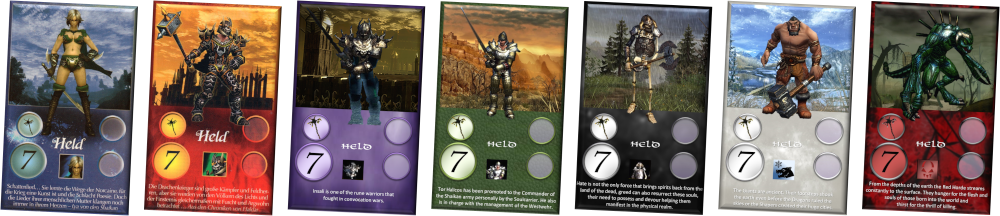
In the round in where a player plays his hero card played out already at the start of his round, that player has immediately and always four action points available, regardless of whether he be has one, two or three rows of cards. Playing of this card does not cost any action point. As long as the hero is not defeated, the four action points also apply to all subsequent rounds after the hero is drawn into the battle. This also applies if the hero was moved by a spell in the rows. If the hero is defeated, then the normal action points calculation takes place again.

If a player can not use the all of his action points, he has to give up, and his opponent wins.
Note: In many cases, the game ends in this way.
If a player has at the start of his turn no cards on the field, that player loses.